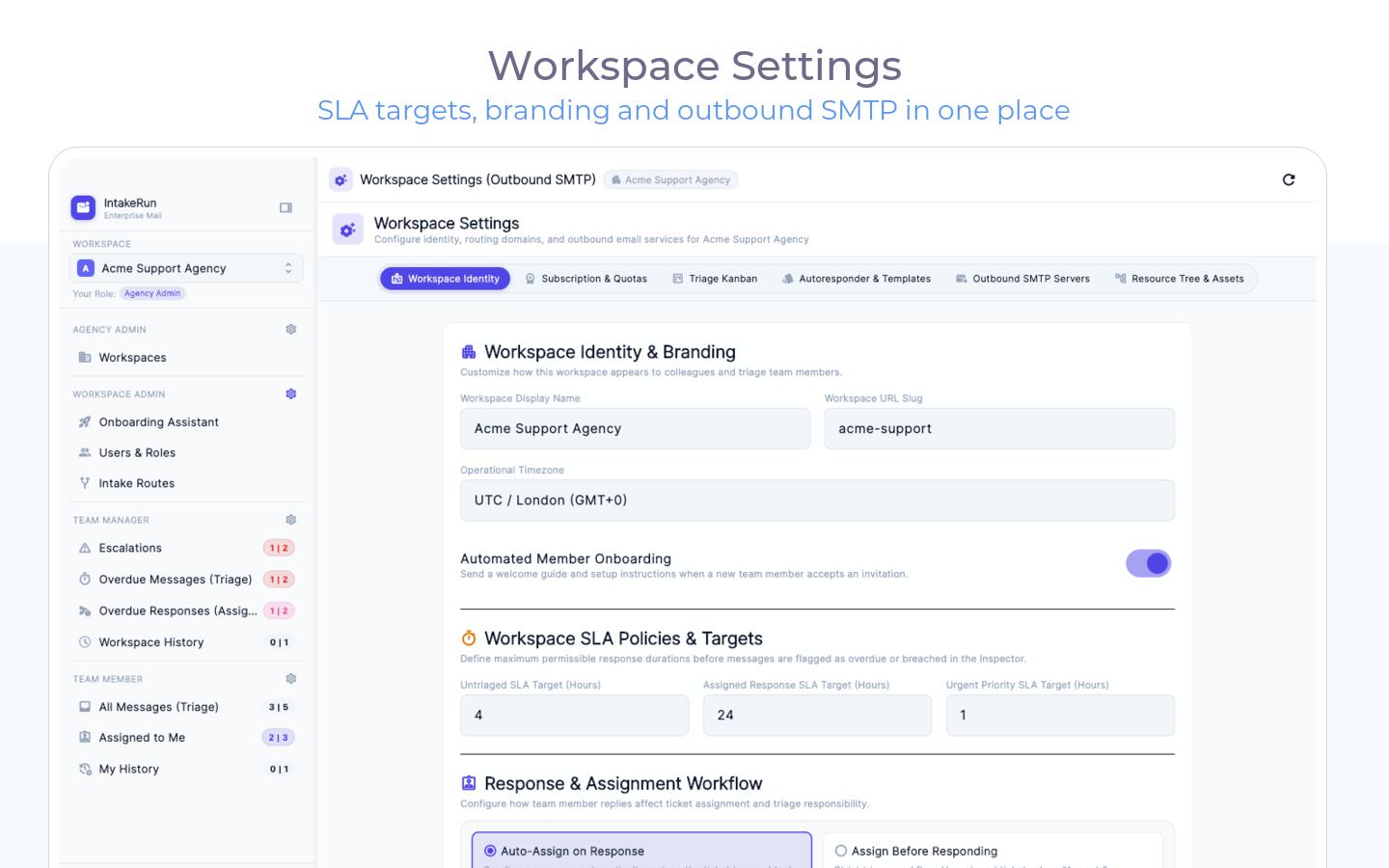
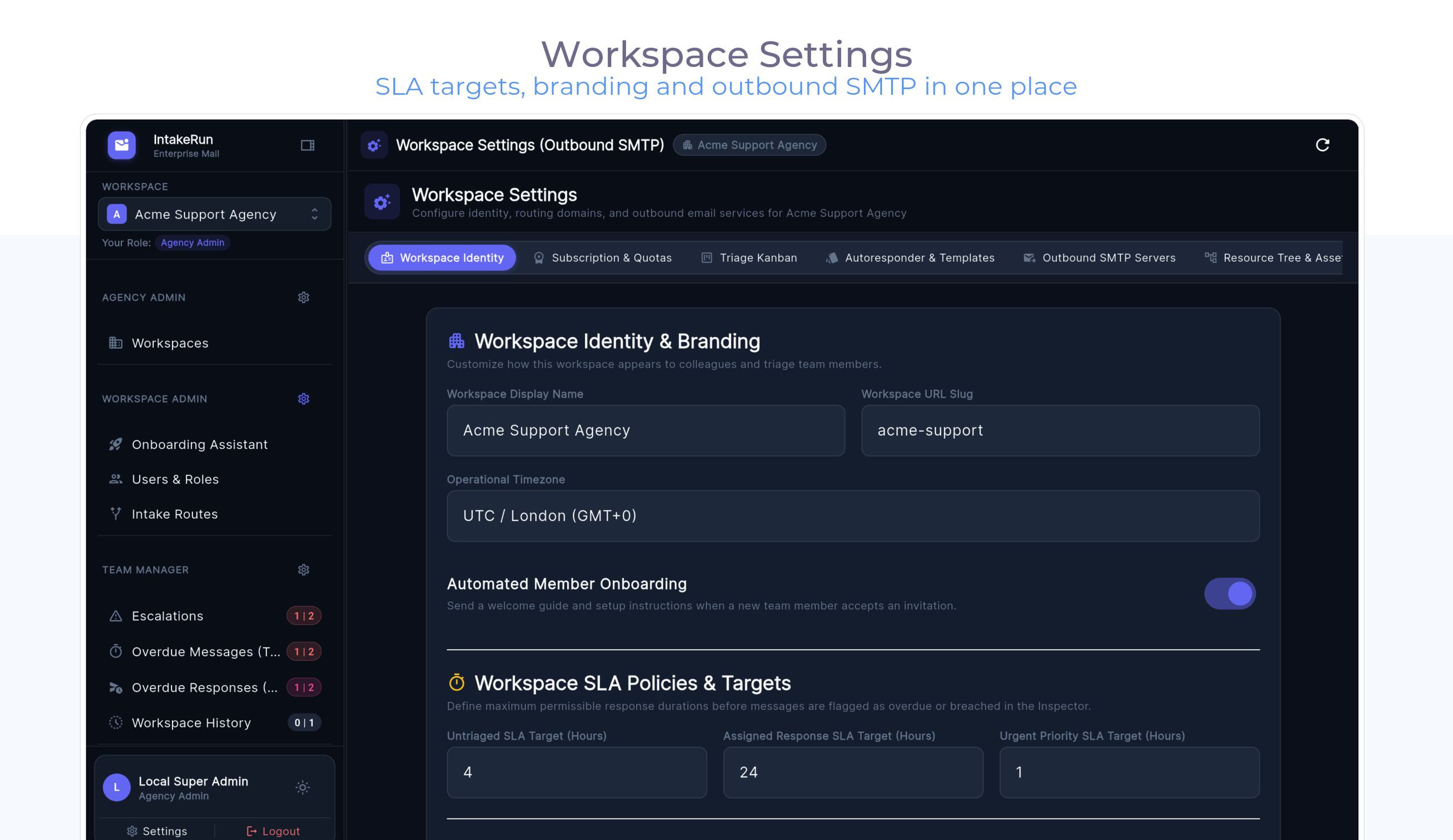
A desk that stays out of the way: high-performance native apps, a triage model your team understands instantly, and AI you control.
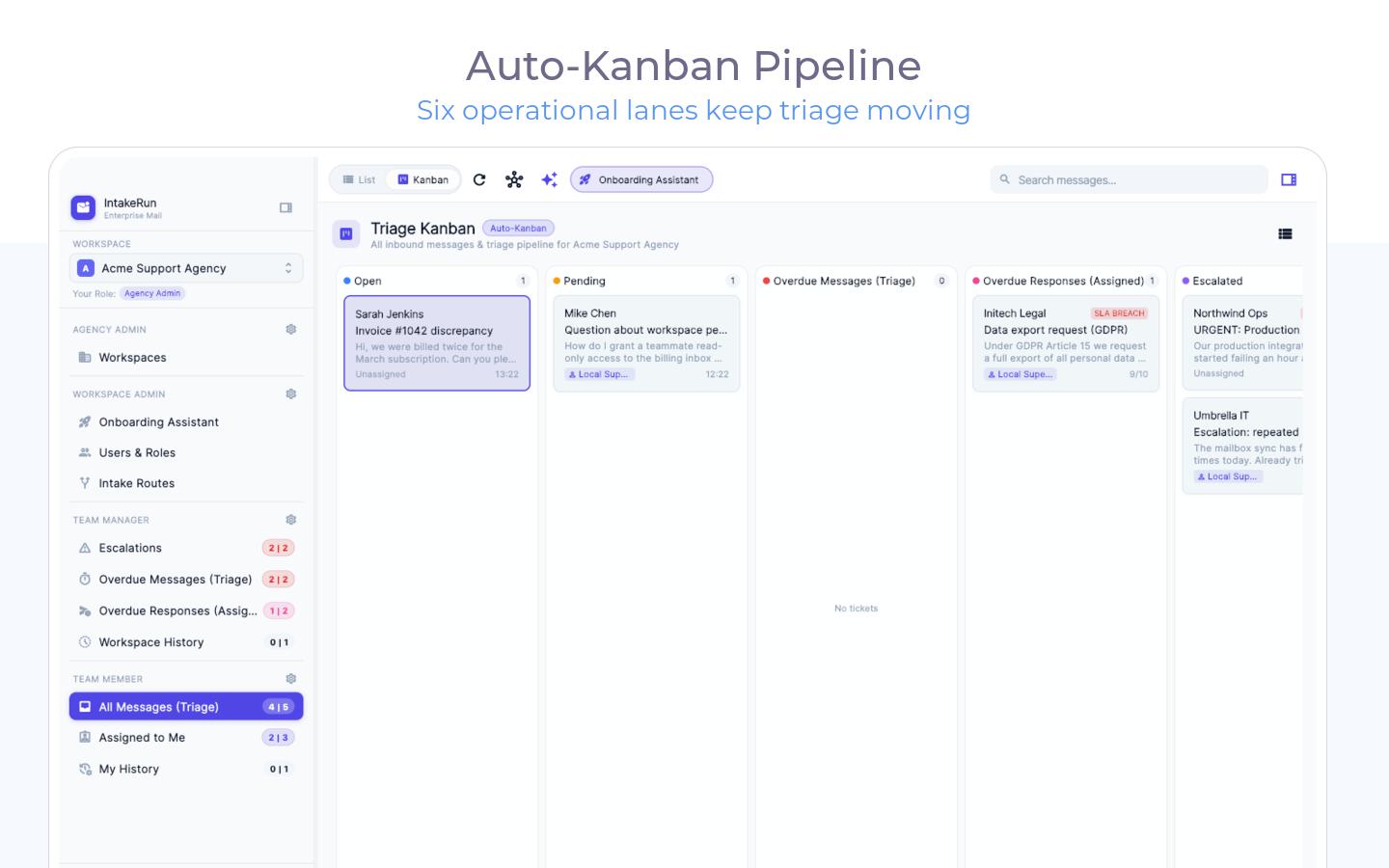
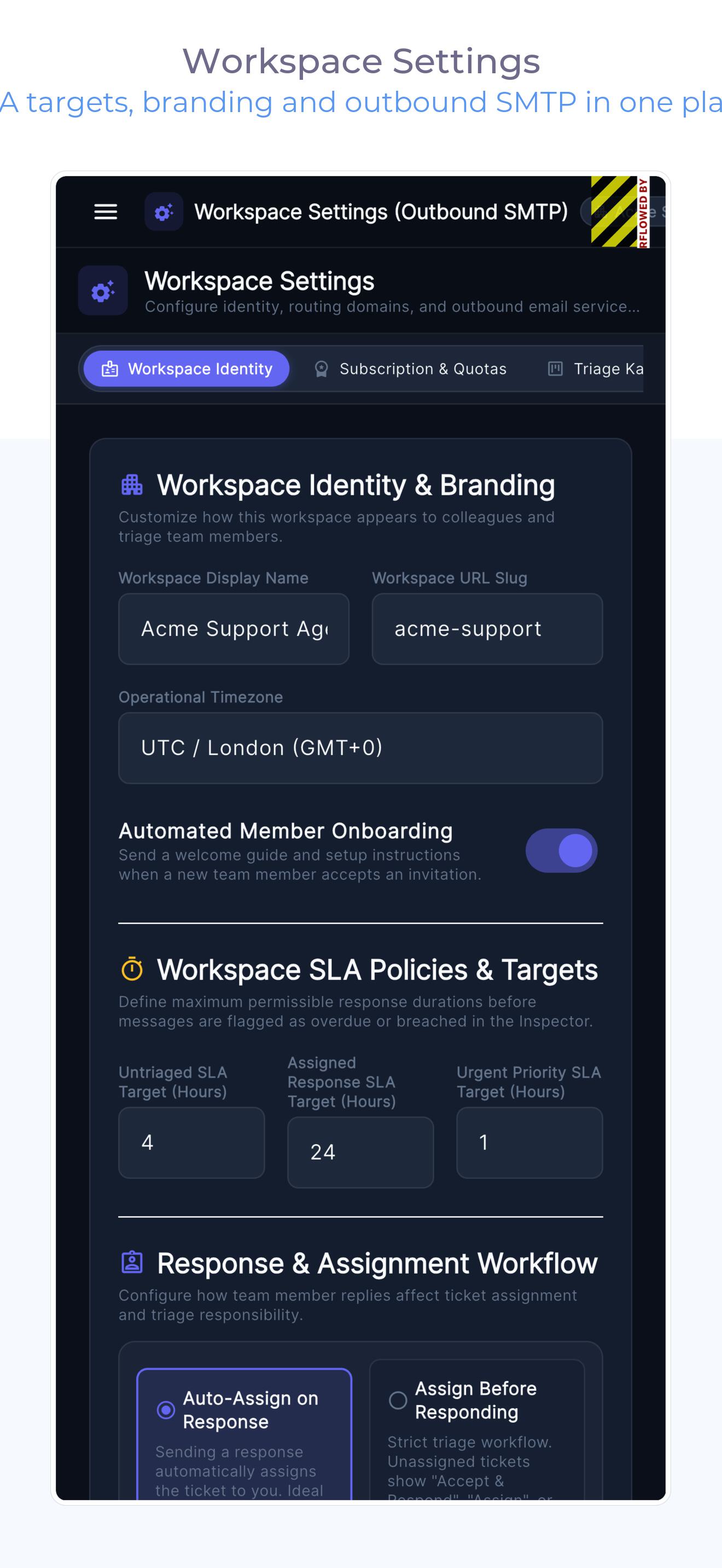
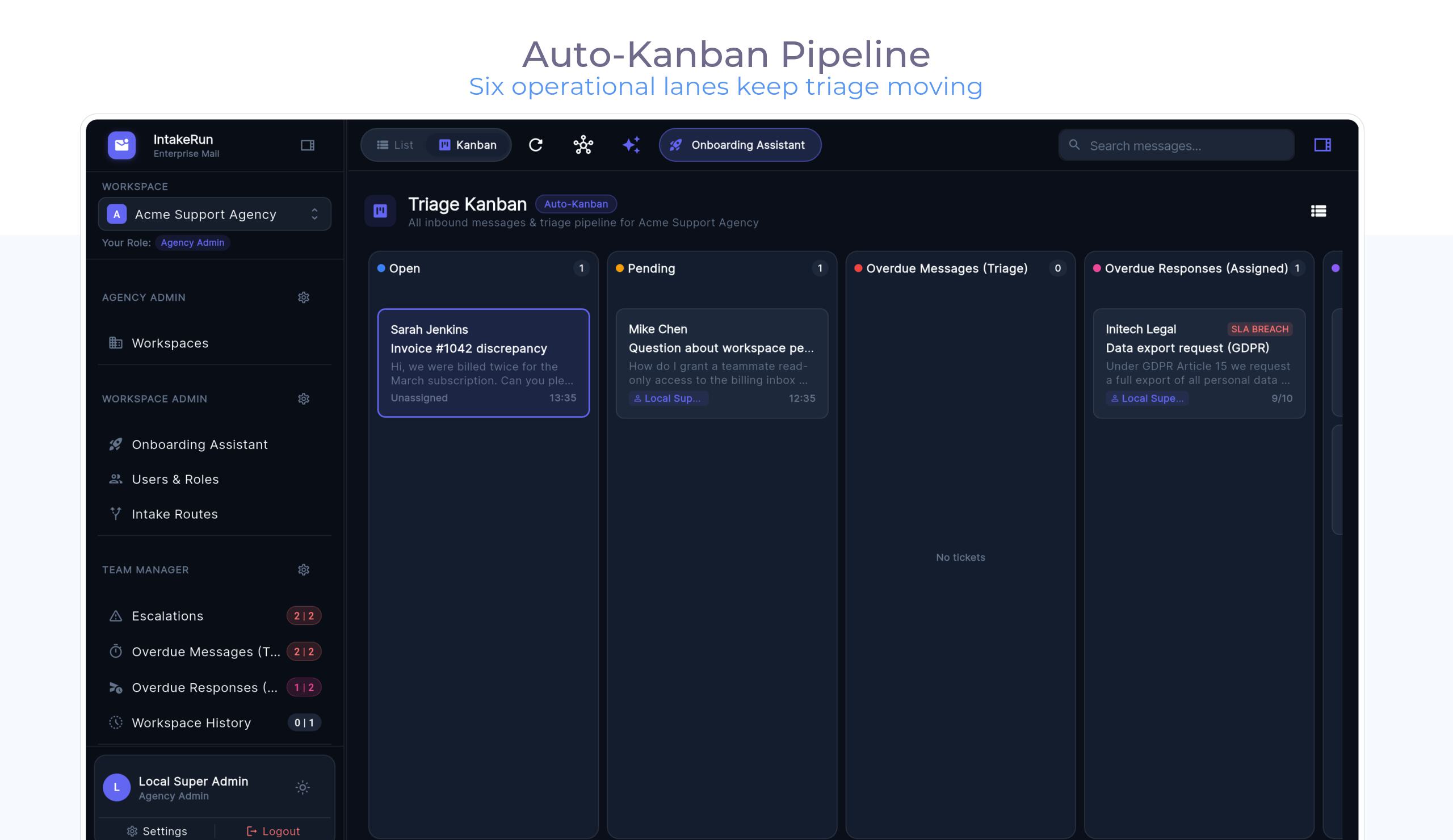
Configured once — the lane then runs itself. AI drafts are always one keystroke away, and nothing is metered.
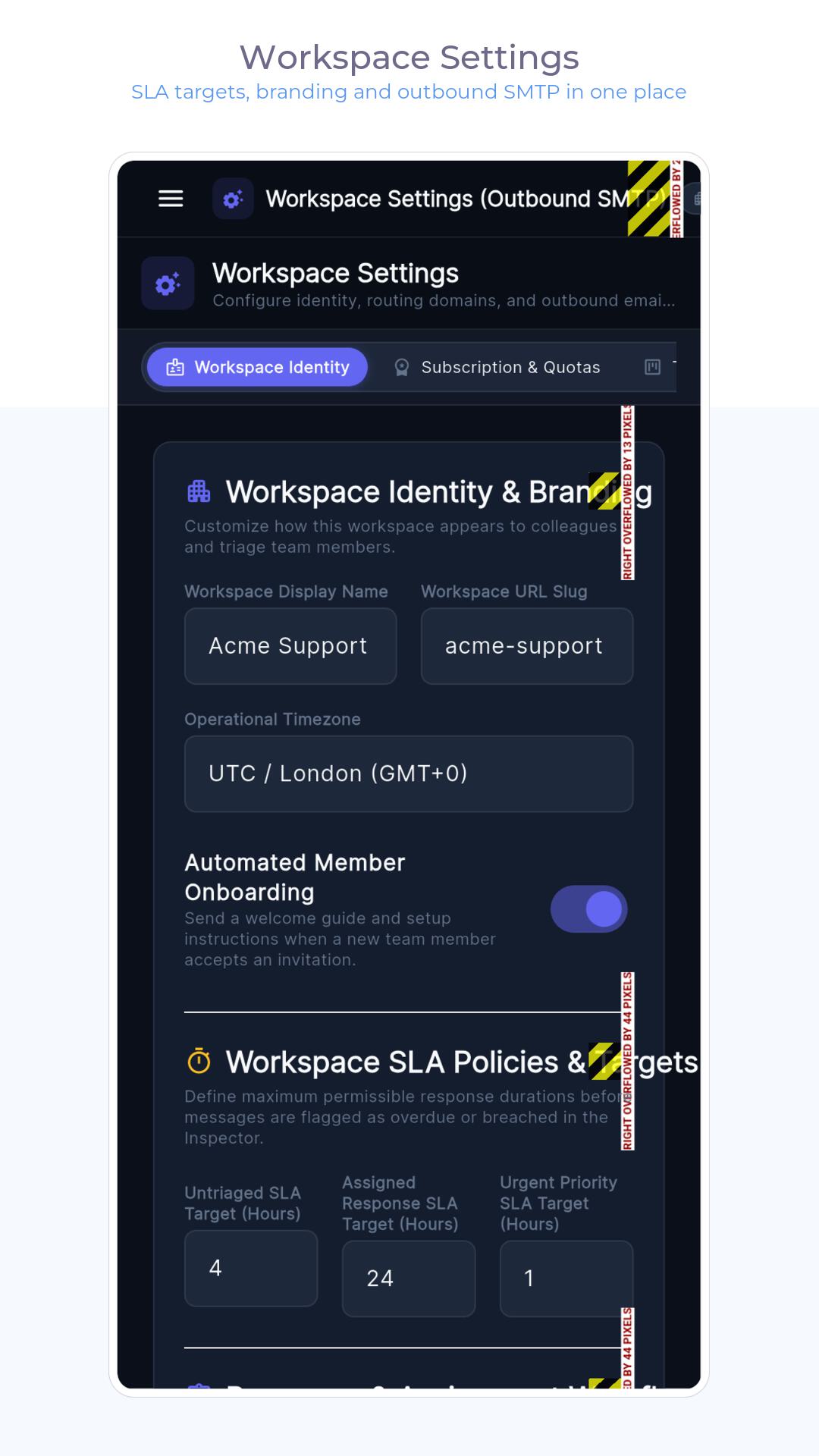
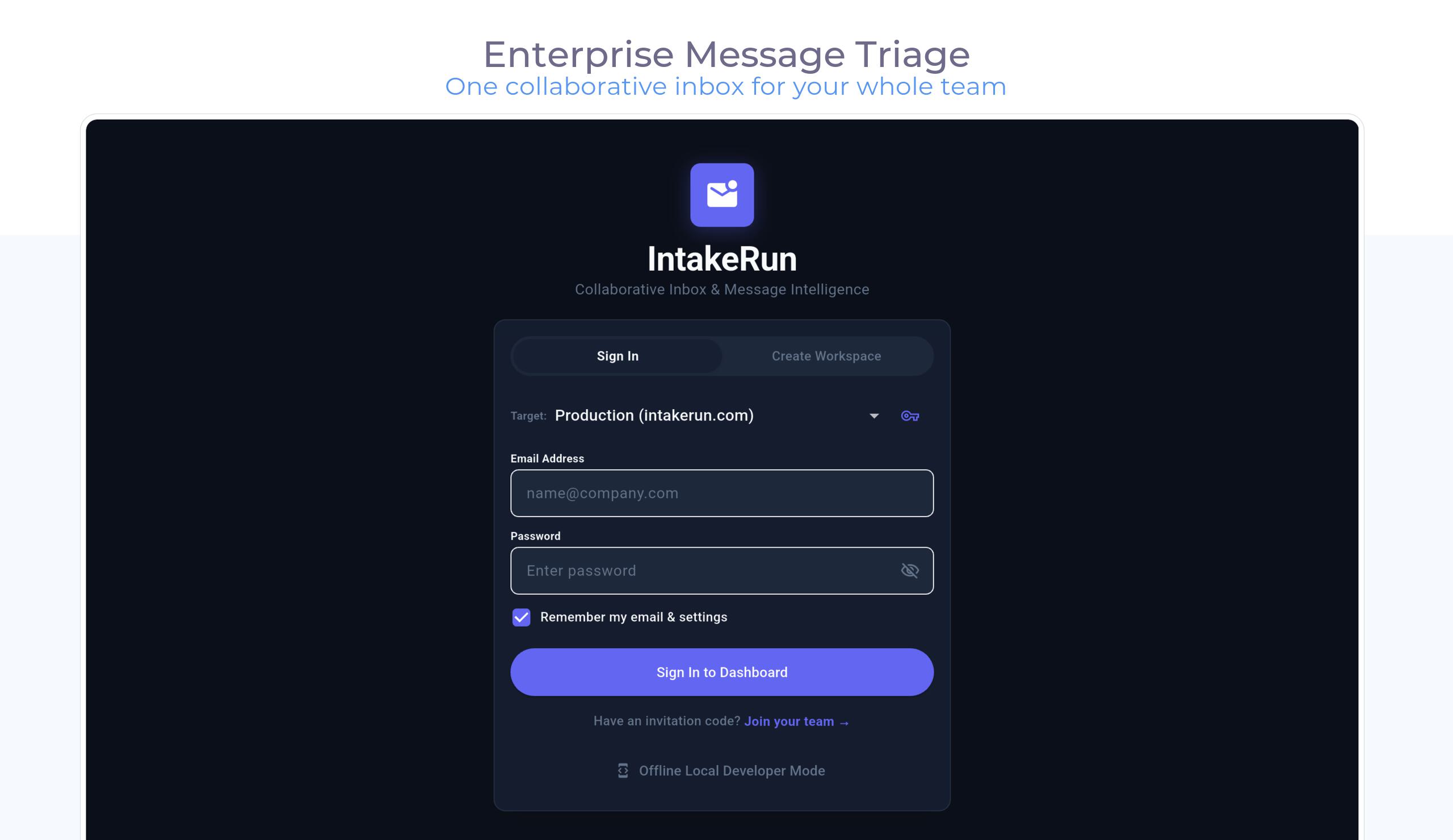
Connect mailboxes as intake routes — aliases, support@, billing@, anything. The wizard auto-detects Google Workspace (service-account, domain-wide delegation), Microsoft 365 or plain IMAP — most mailboxes connect in under a minute — and a test-probe verifies routing before anyone sends tickets at it.
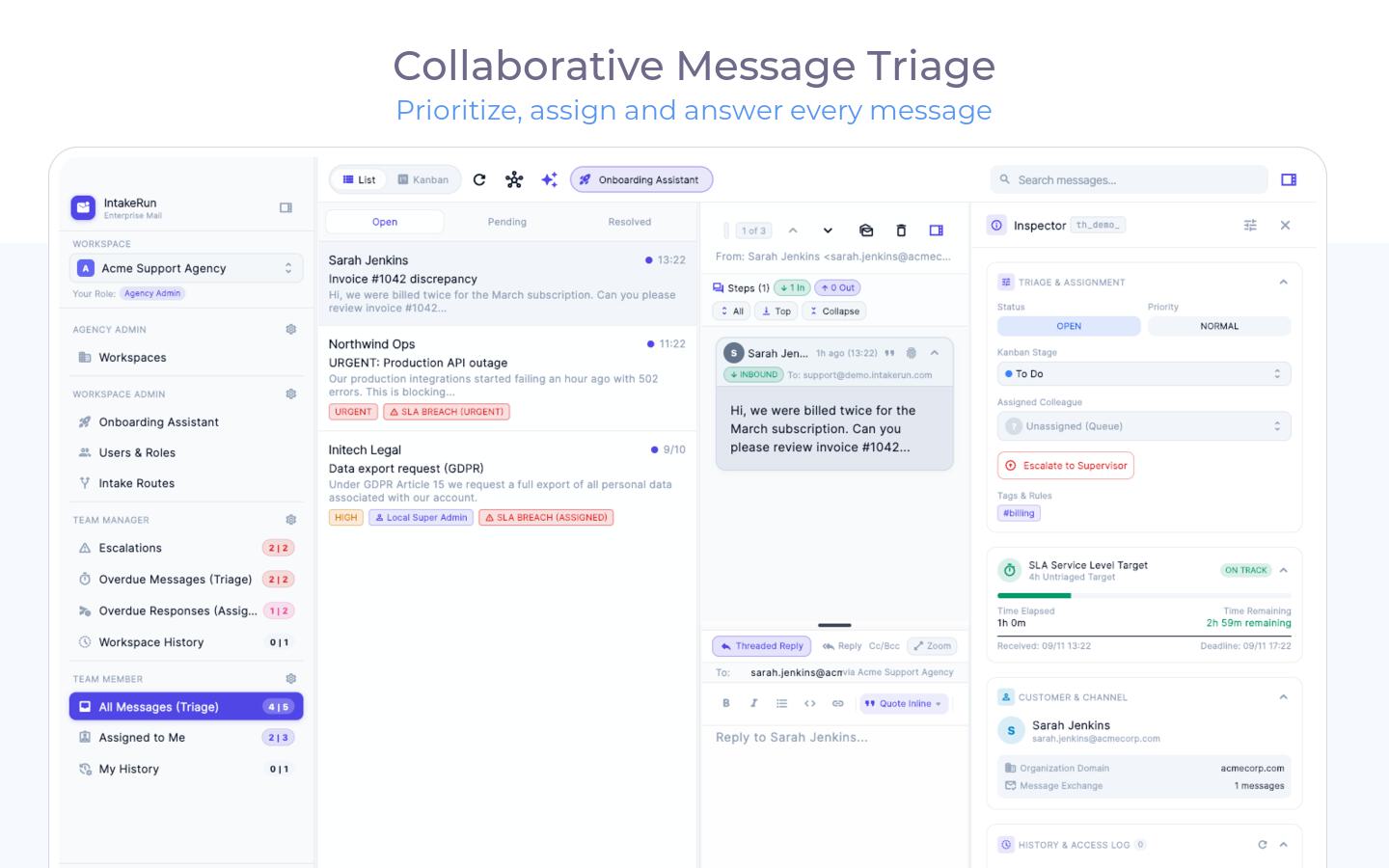
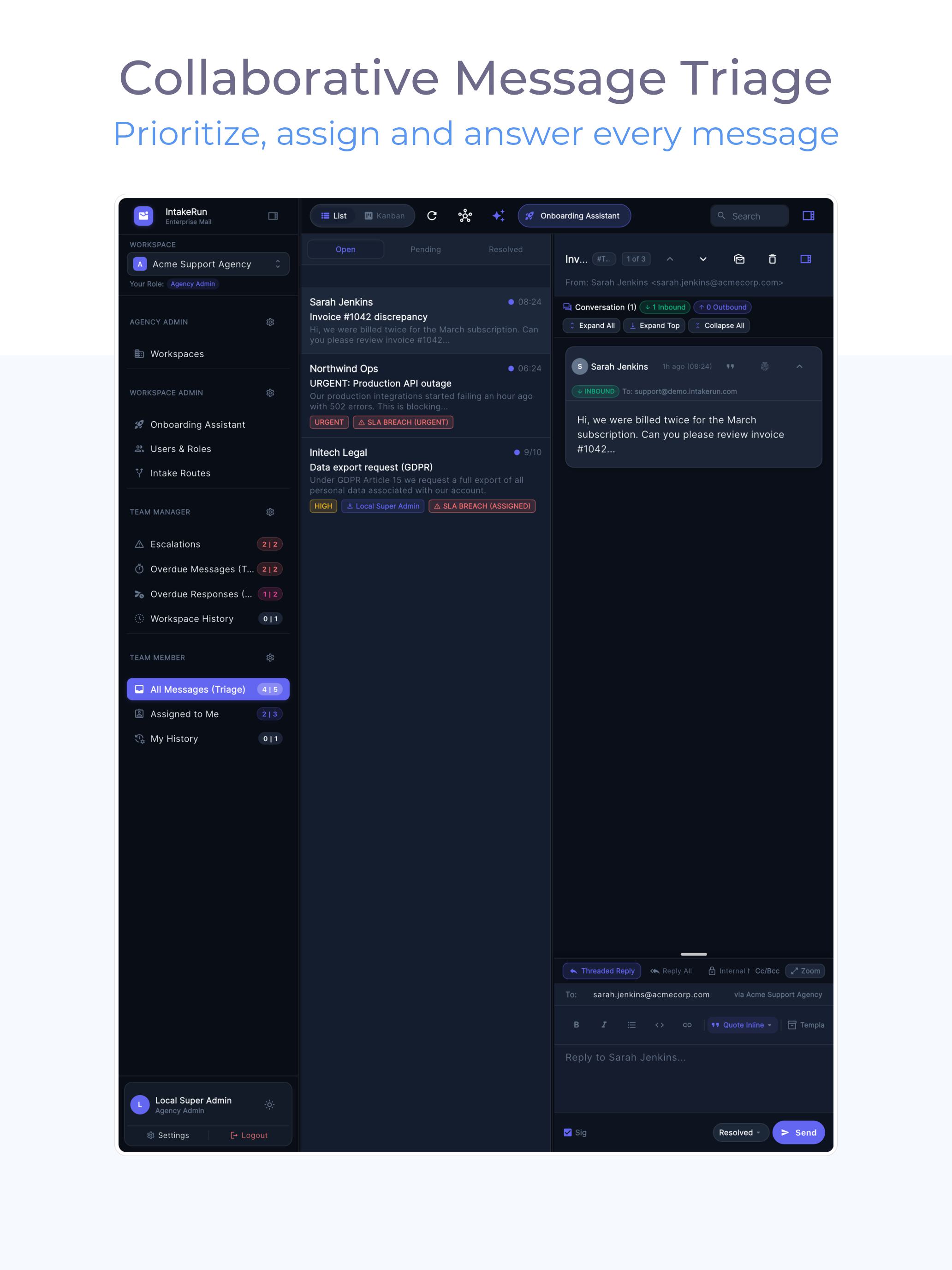
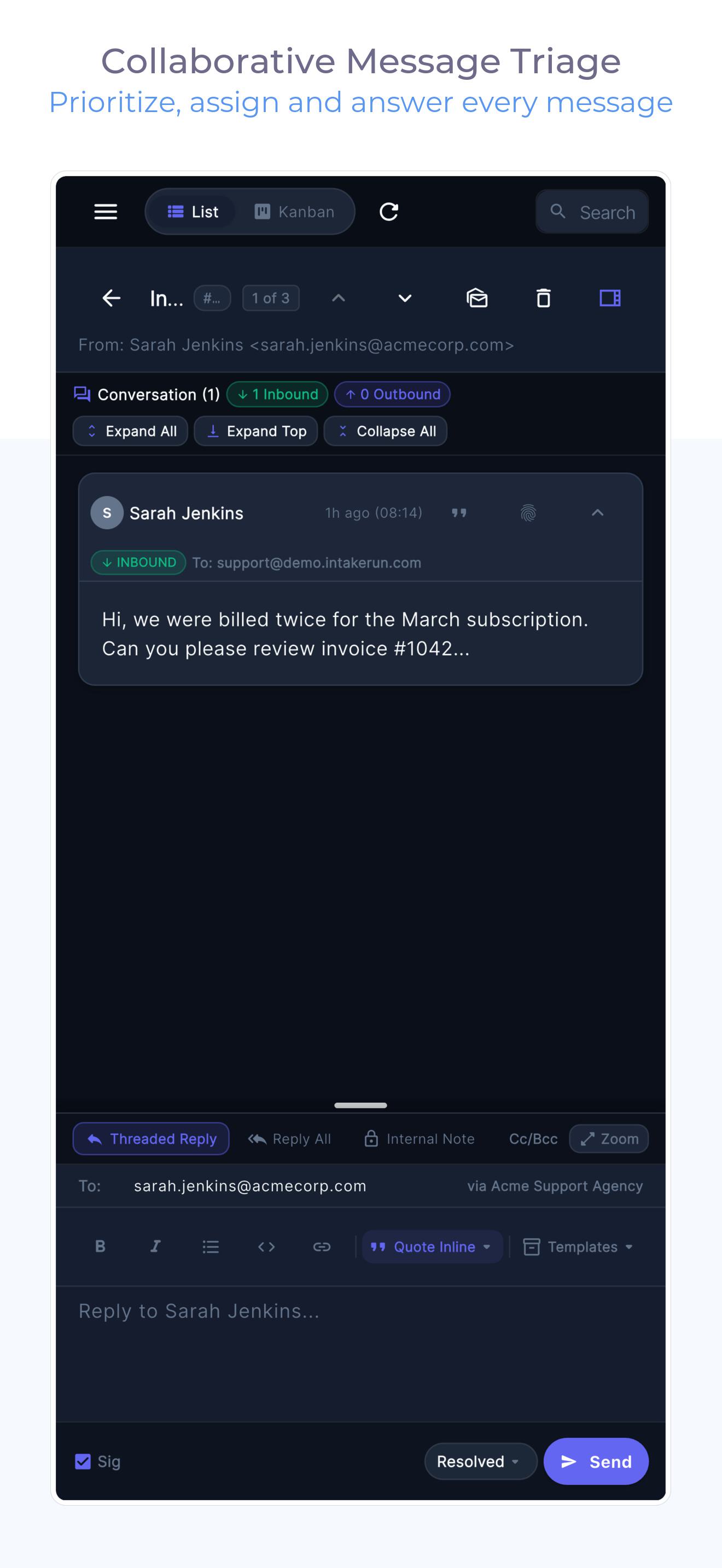
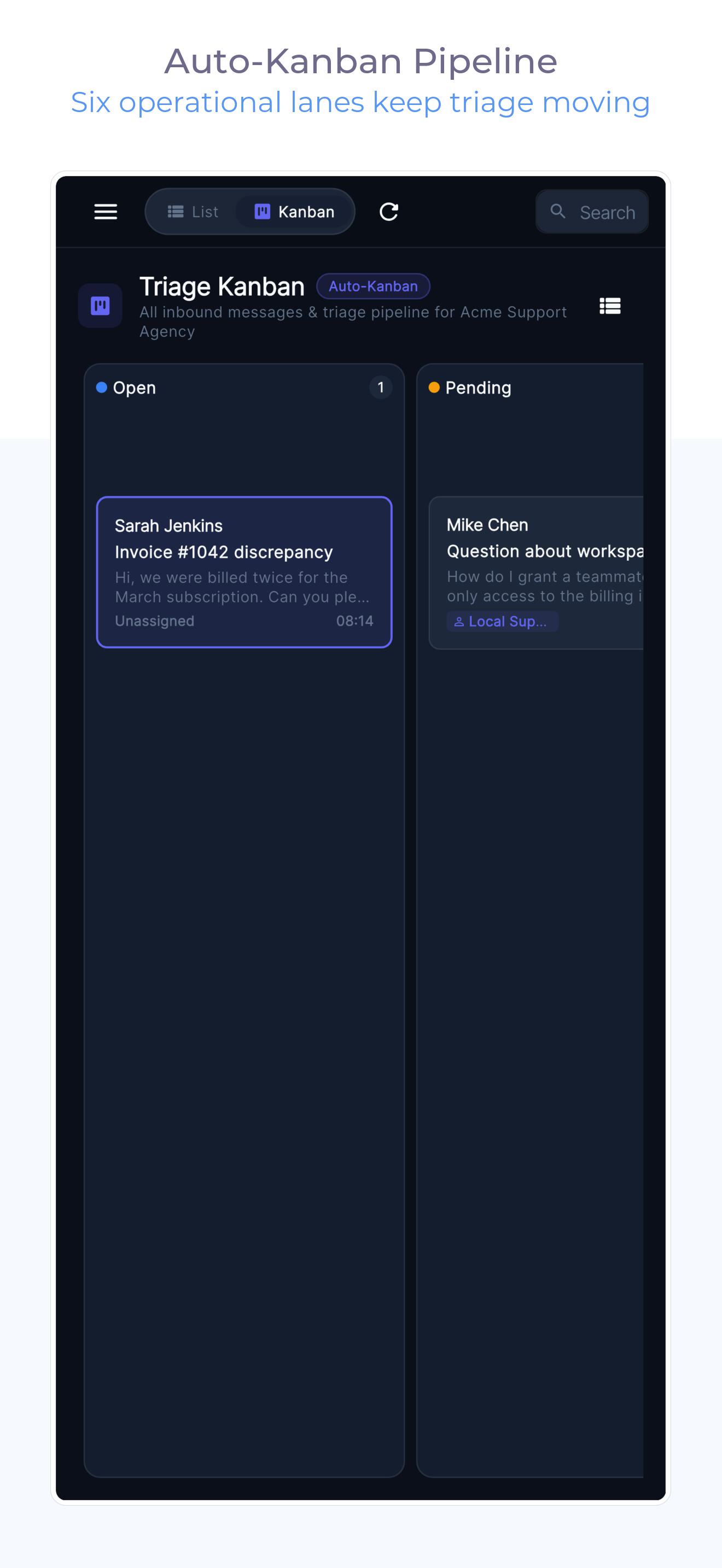
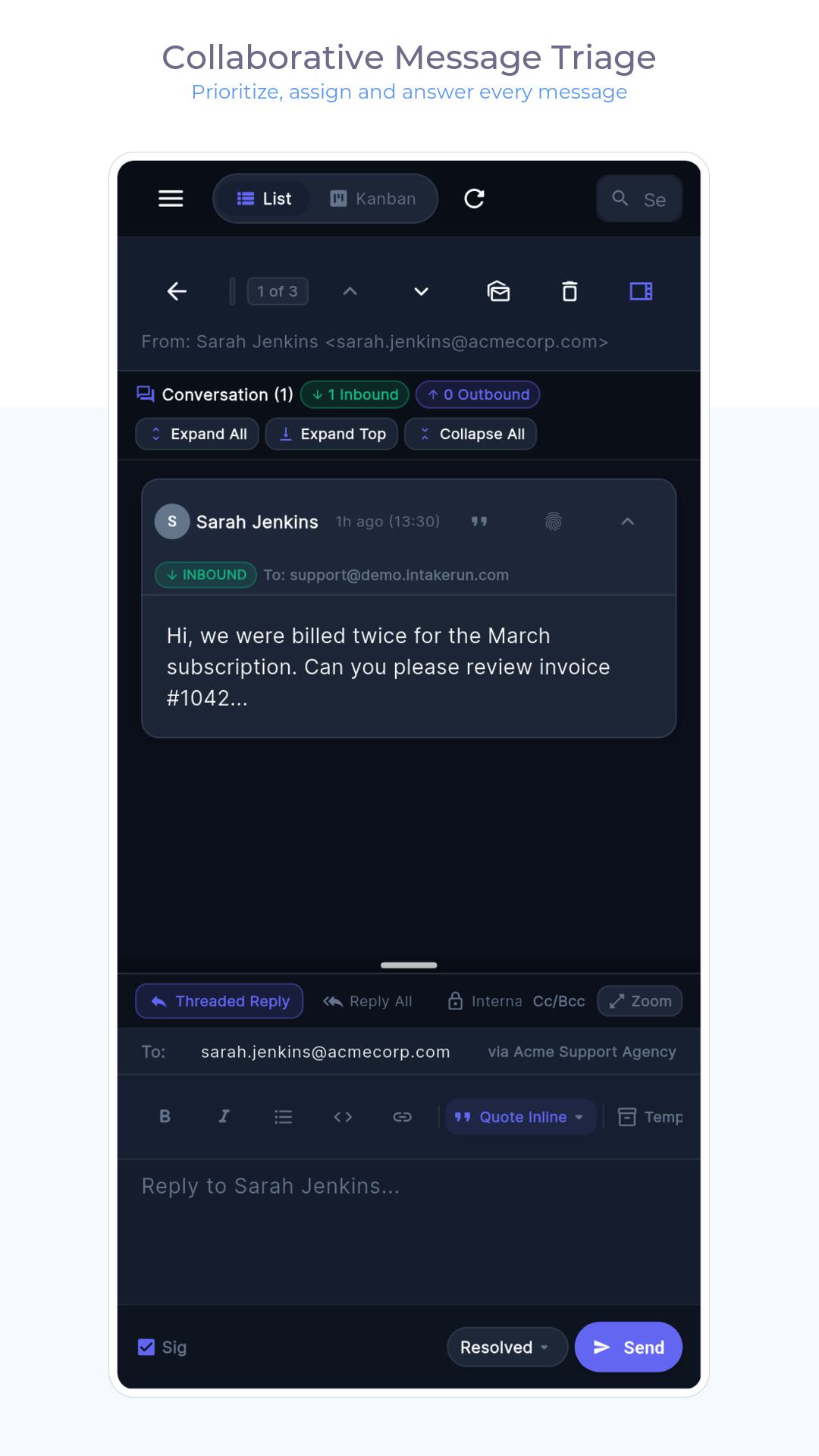
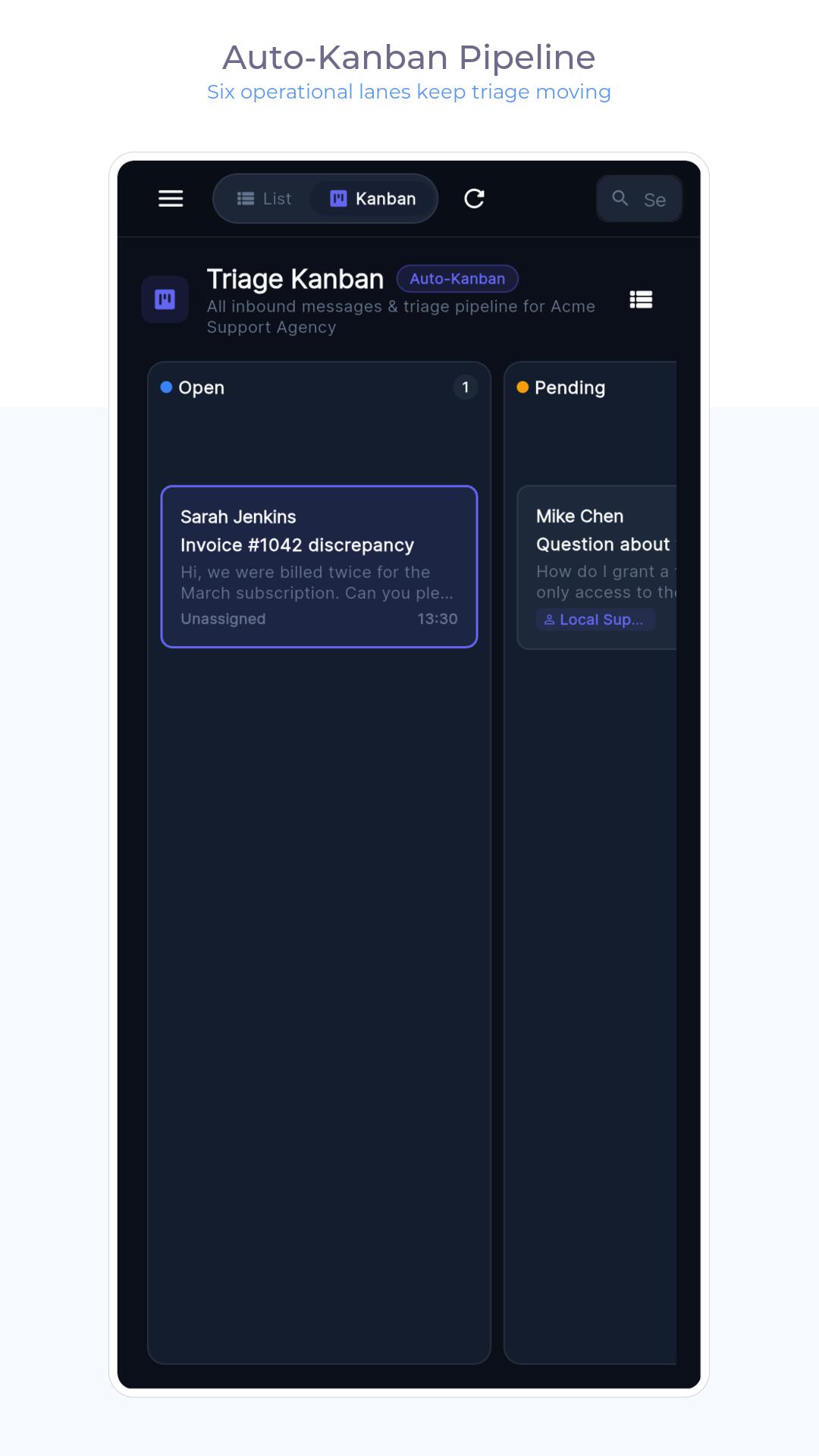
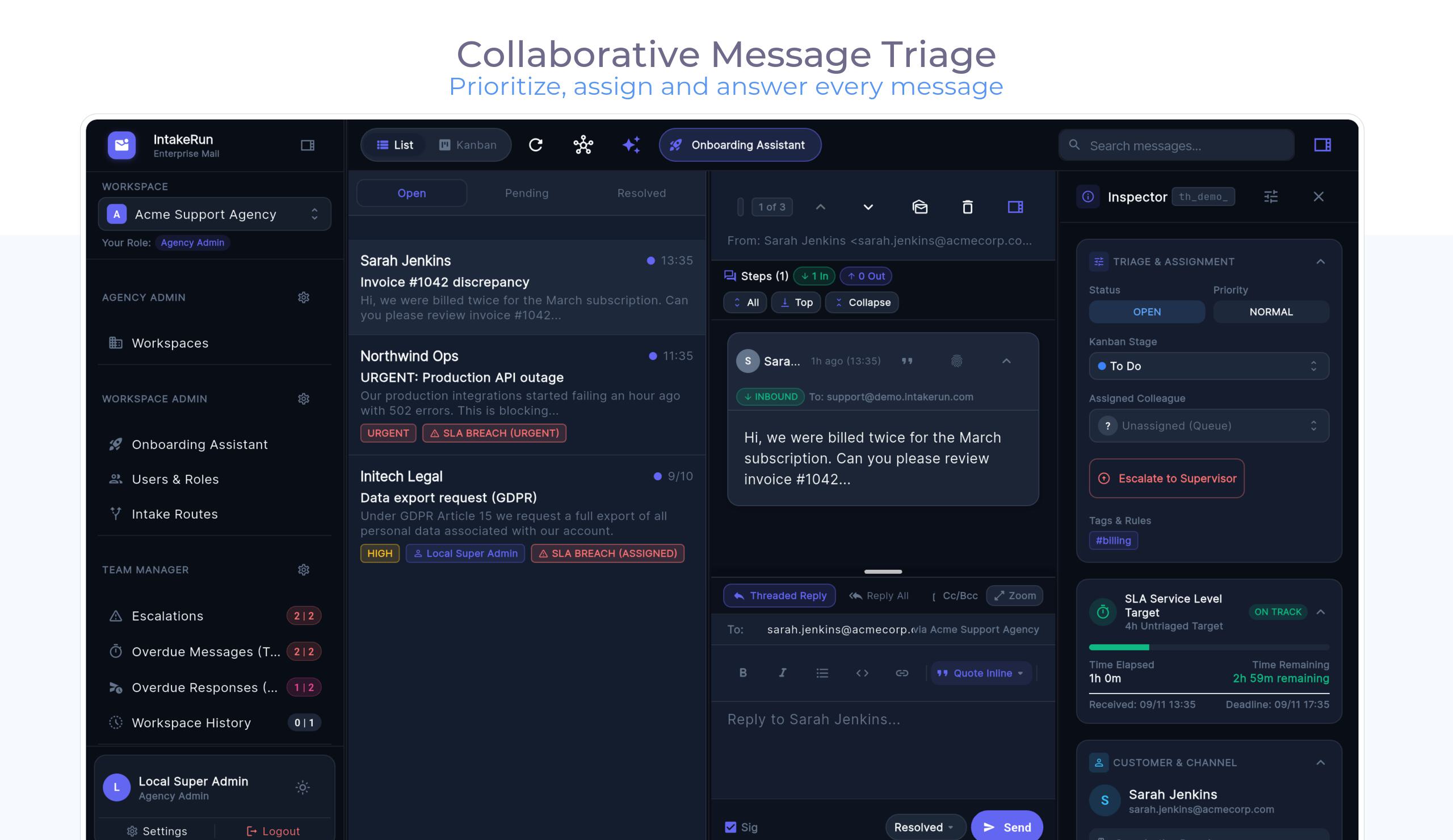
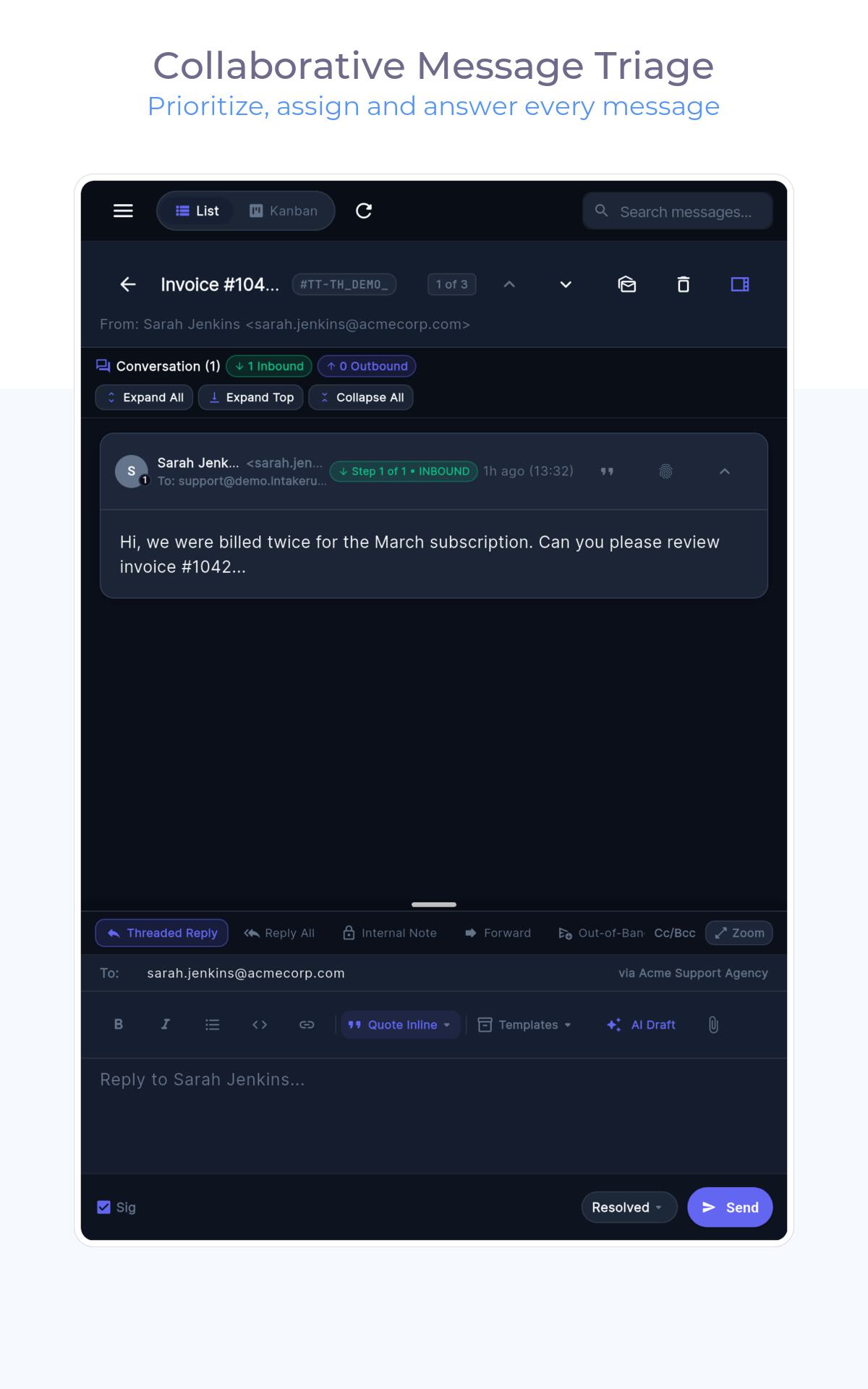
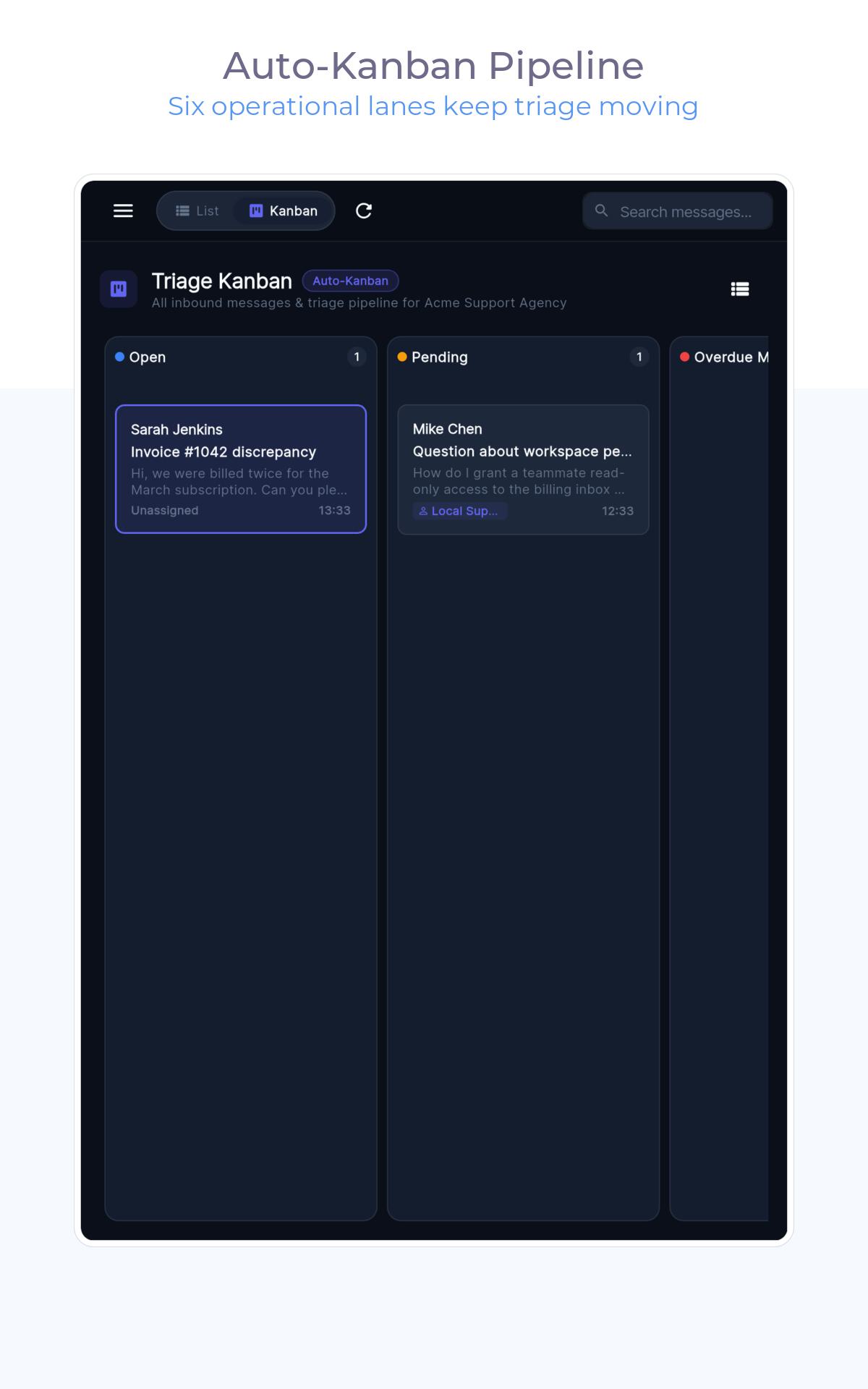
One queue per workspace, ordered by SLA urgency. AI (your key) suggests a route, a summary and a draft — you approve or override. Nothing is metered against you.
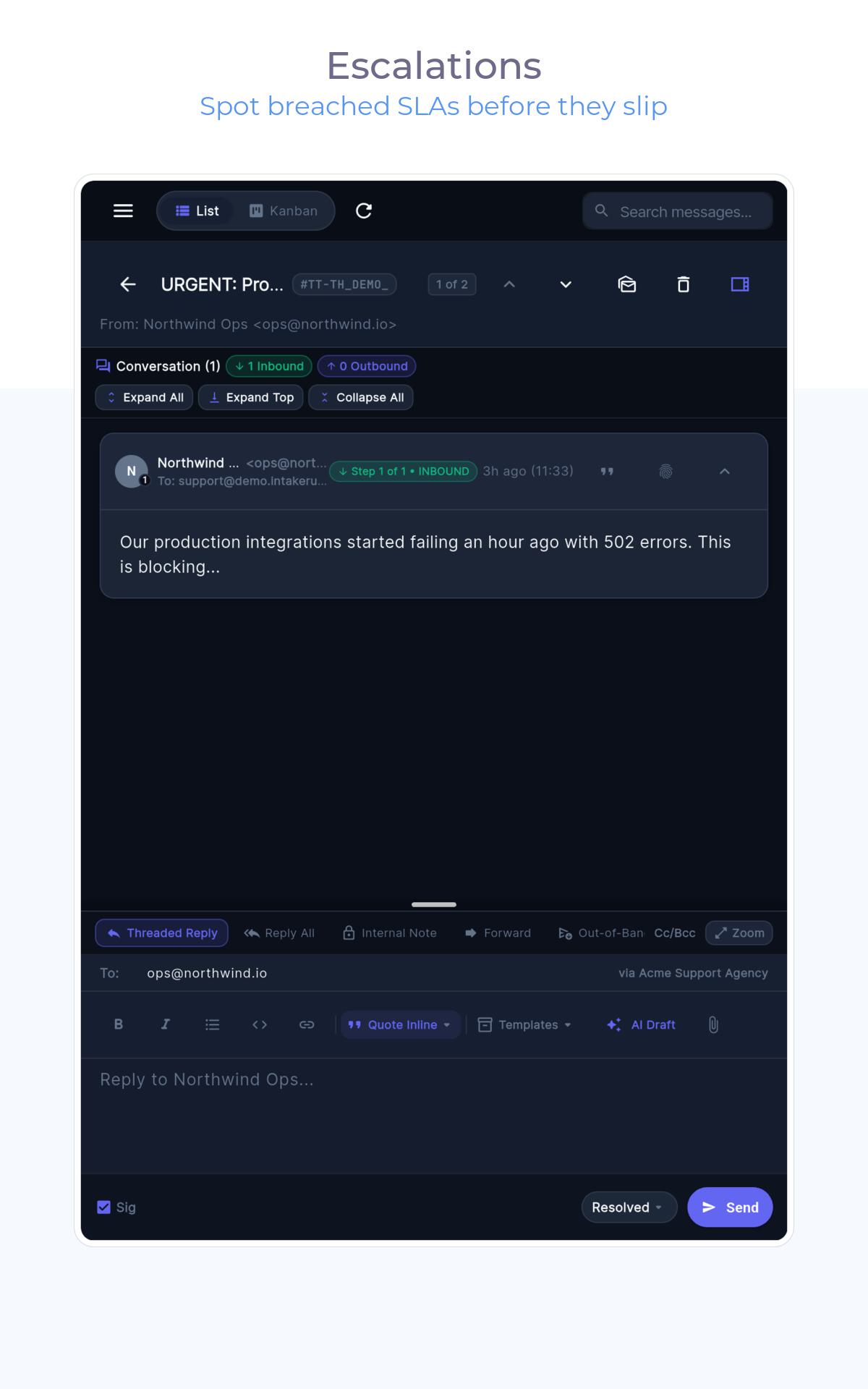
Collision locks prevent double-replies; presence shows who is in a thread right now; internal notes keep context on the conversation. Round-robin auto-assignment with a fair-play concurrency cap and out-of-office mode keeps workload even without hand-assigning.
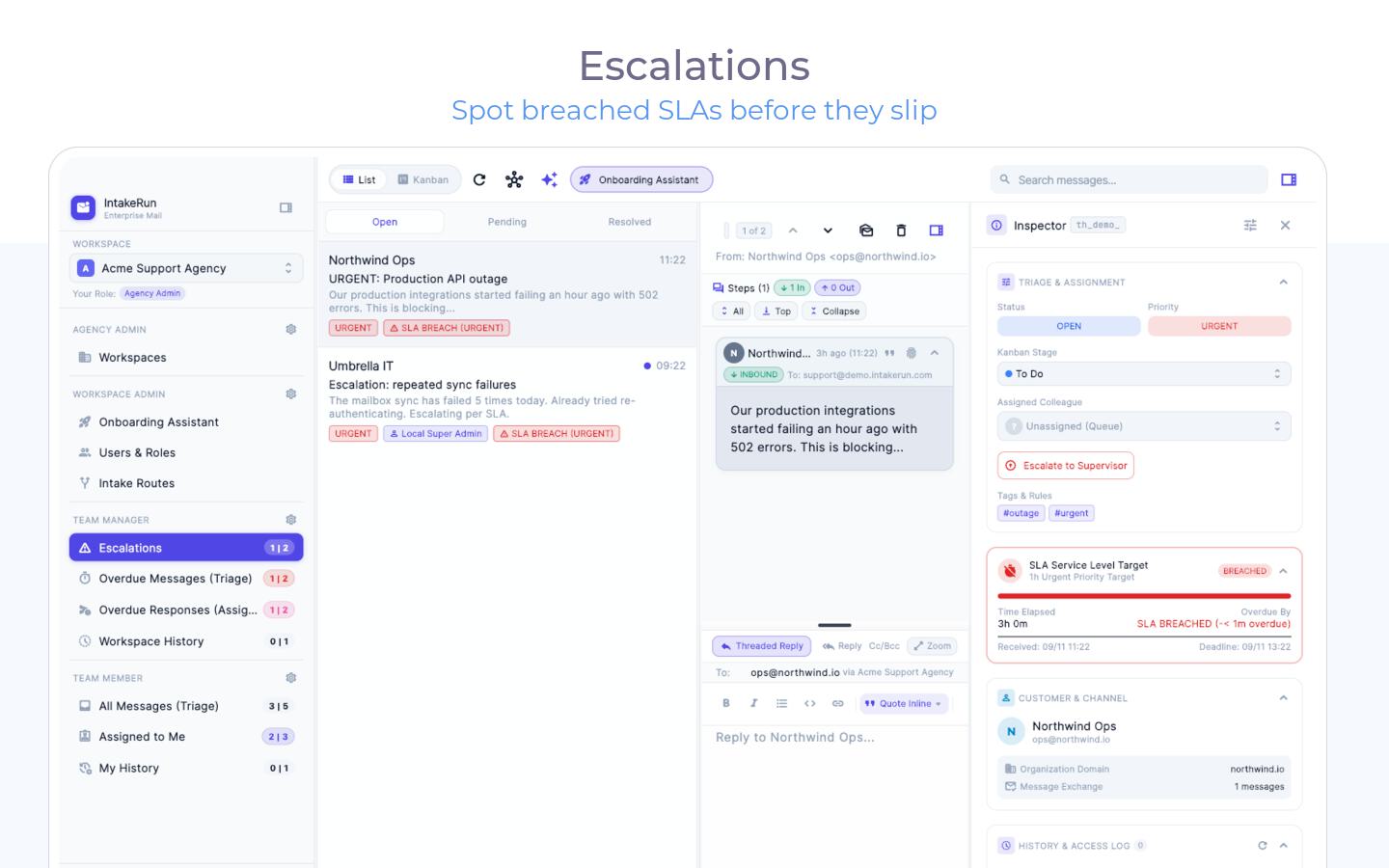
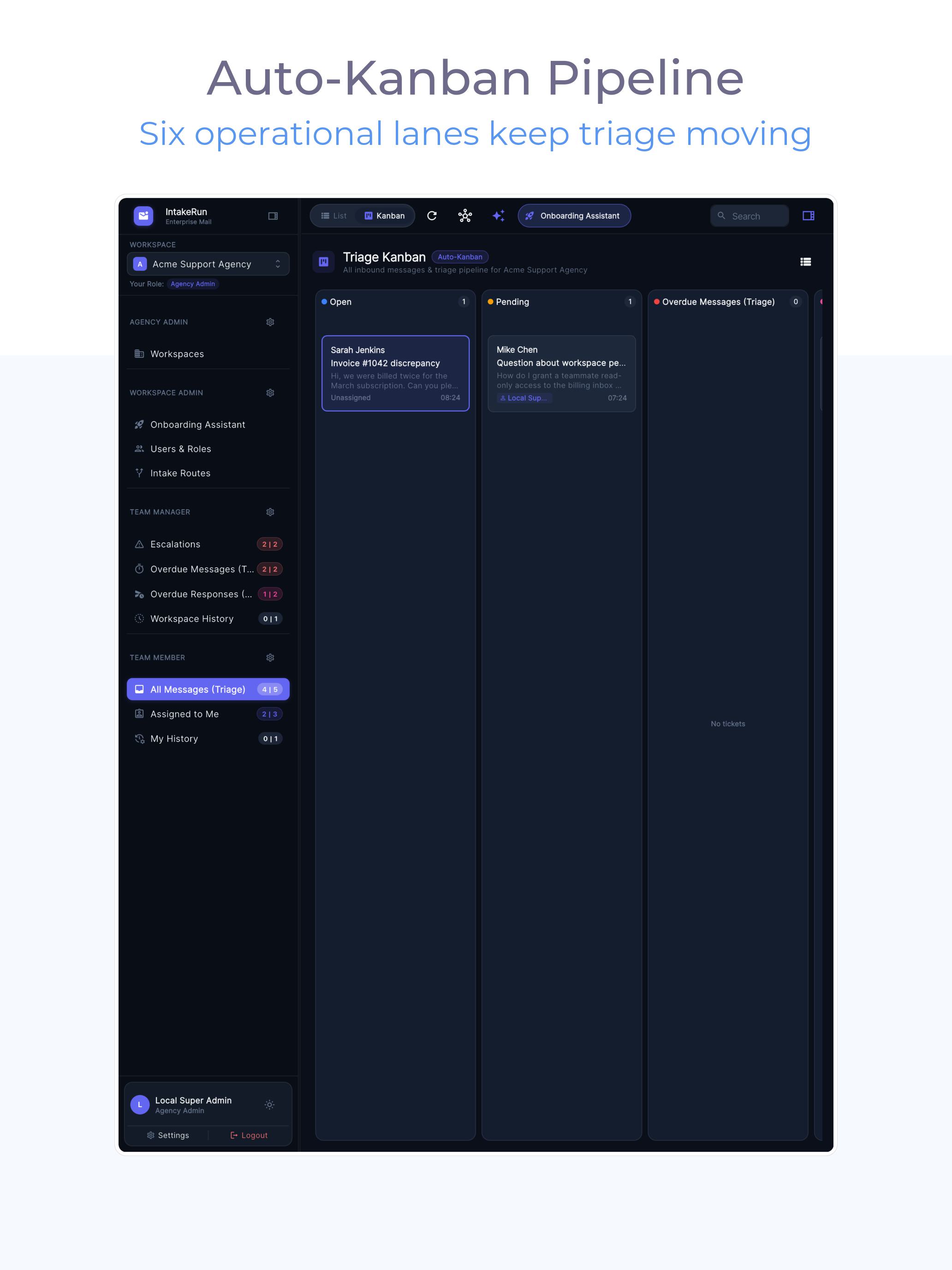
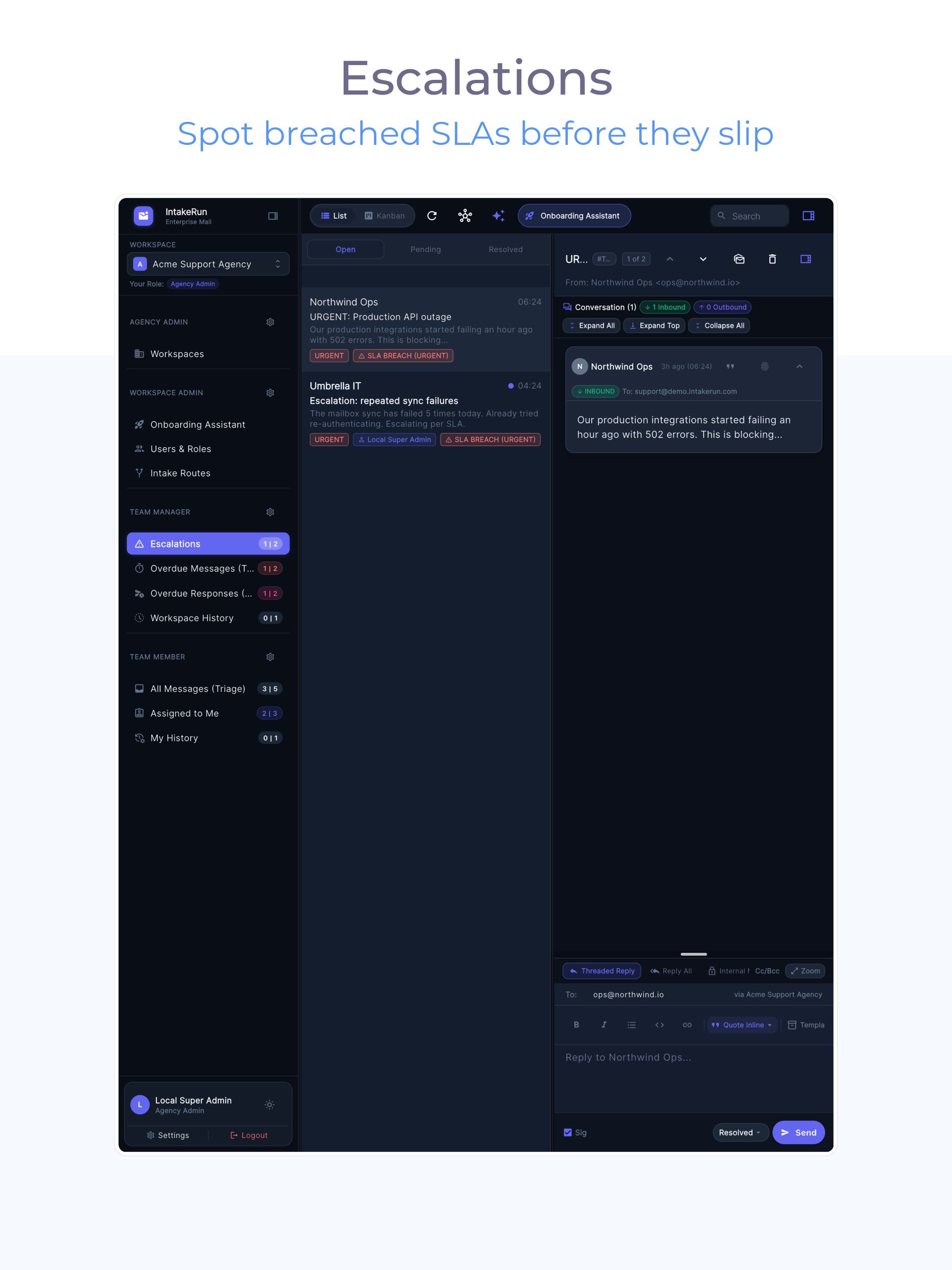
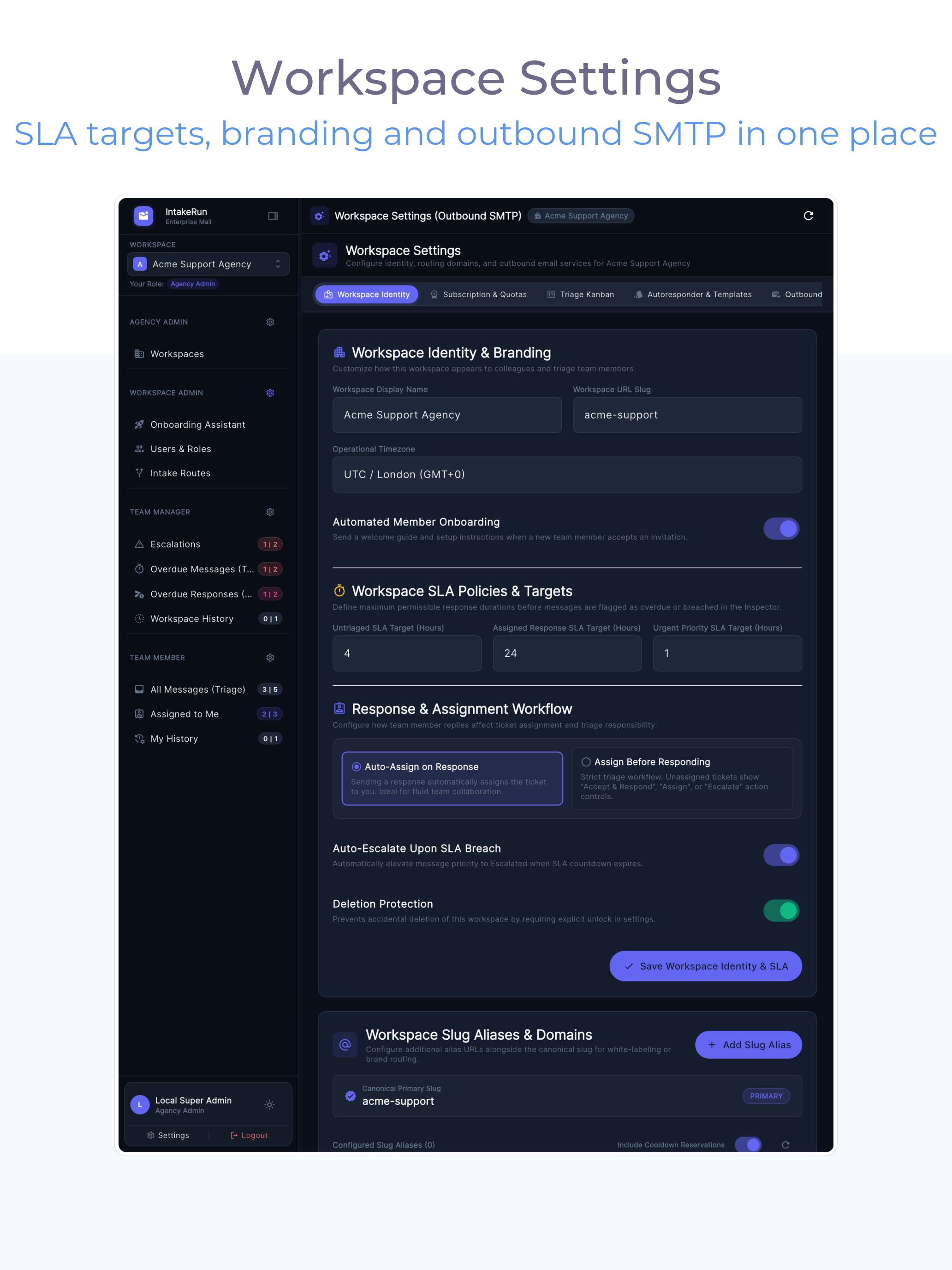
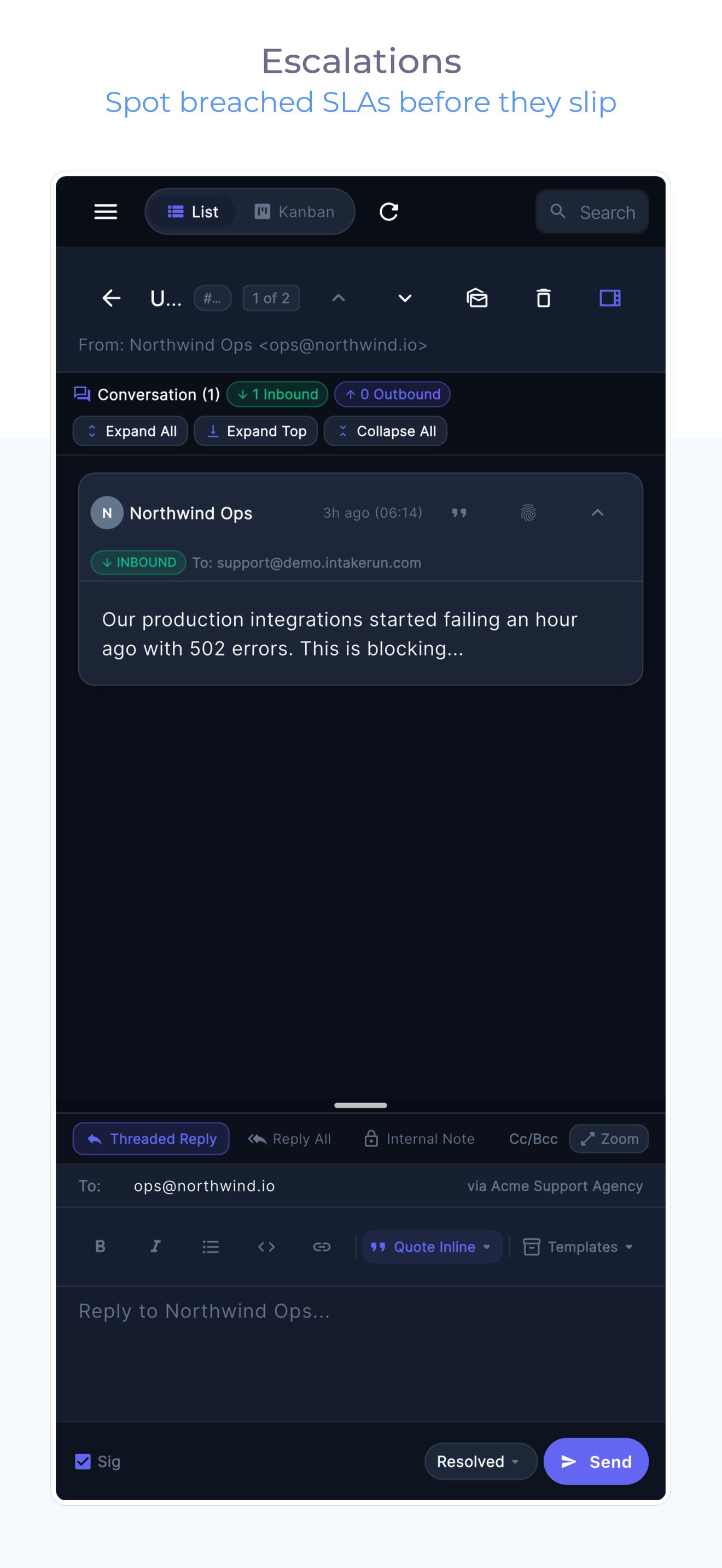
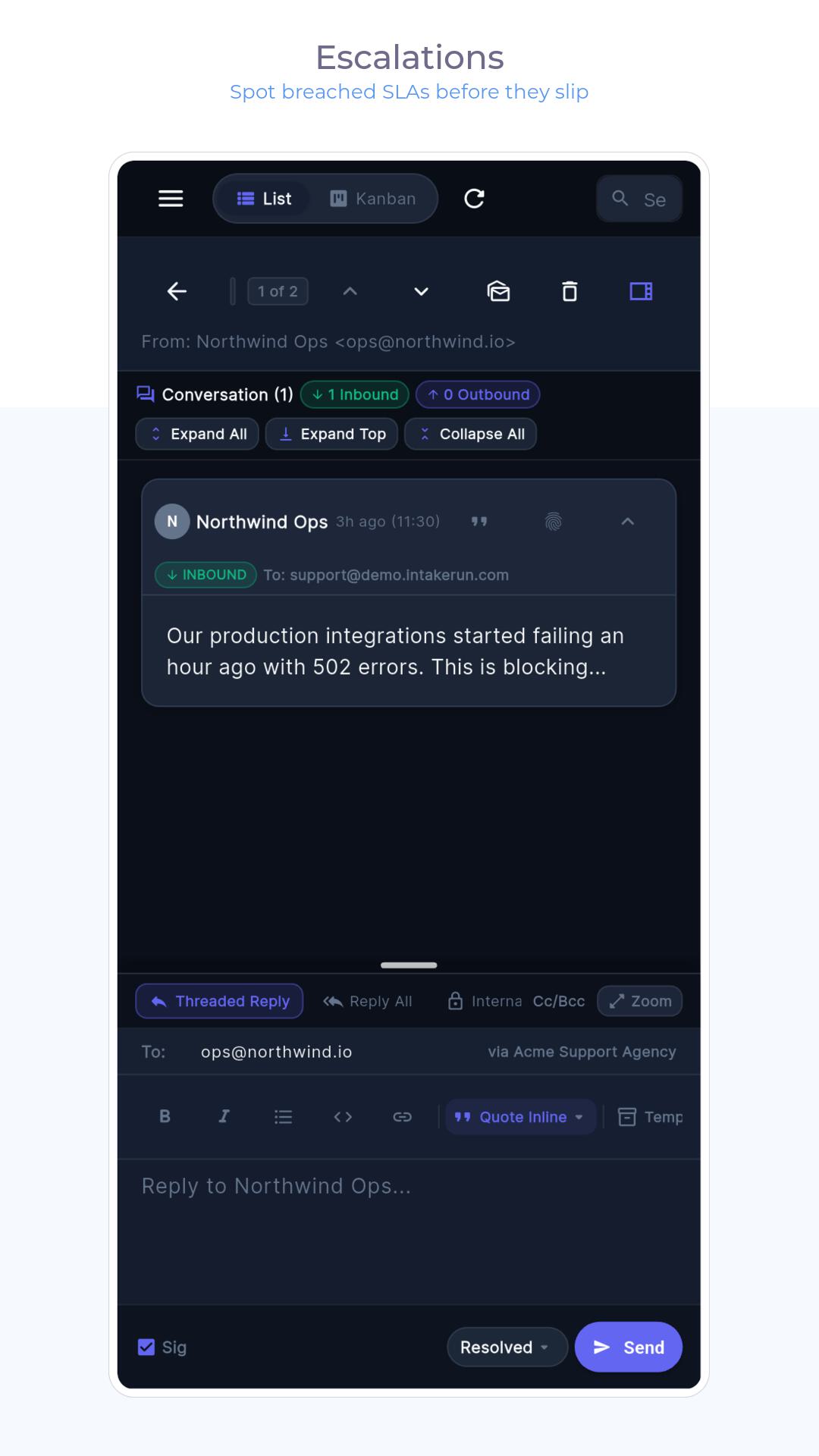
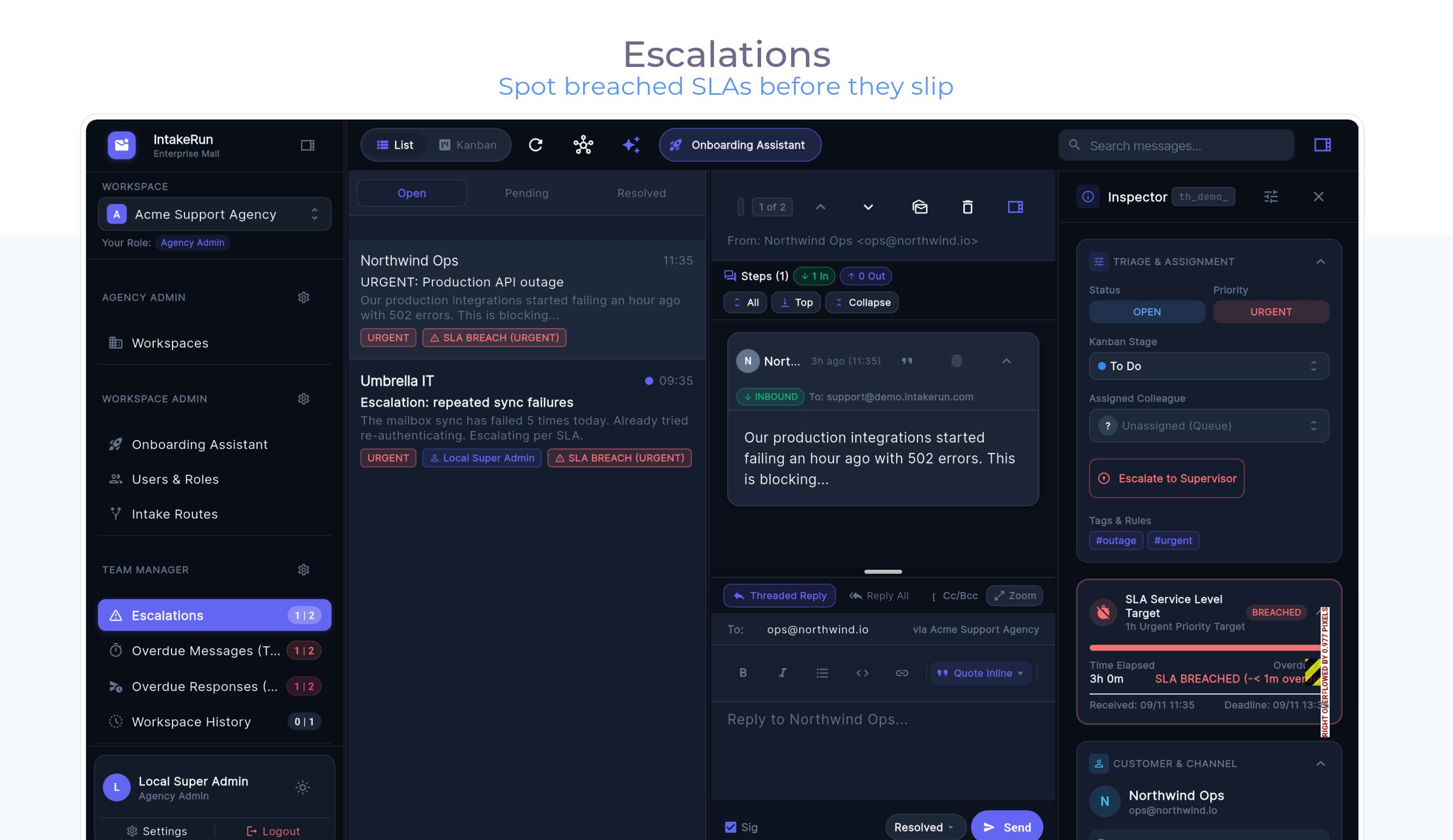
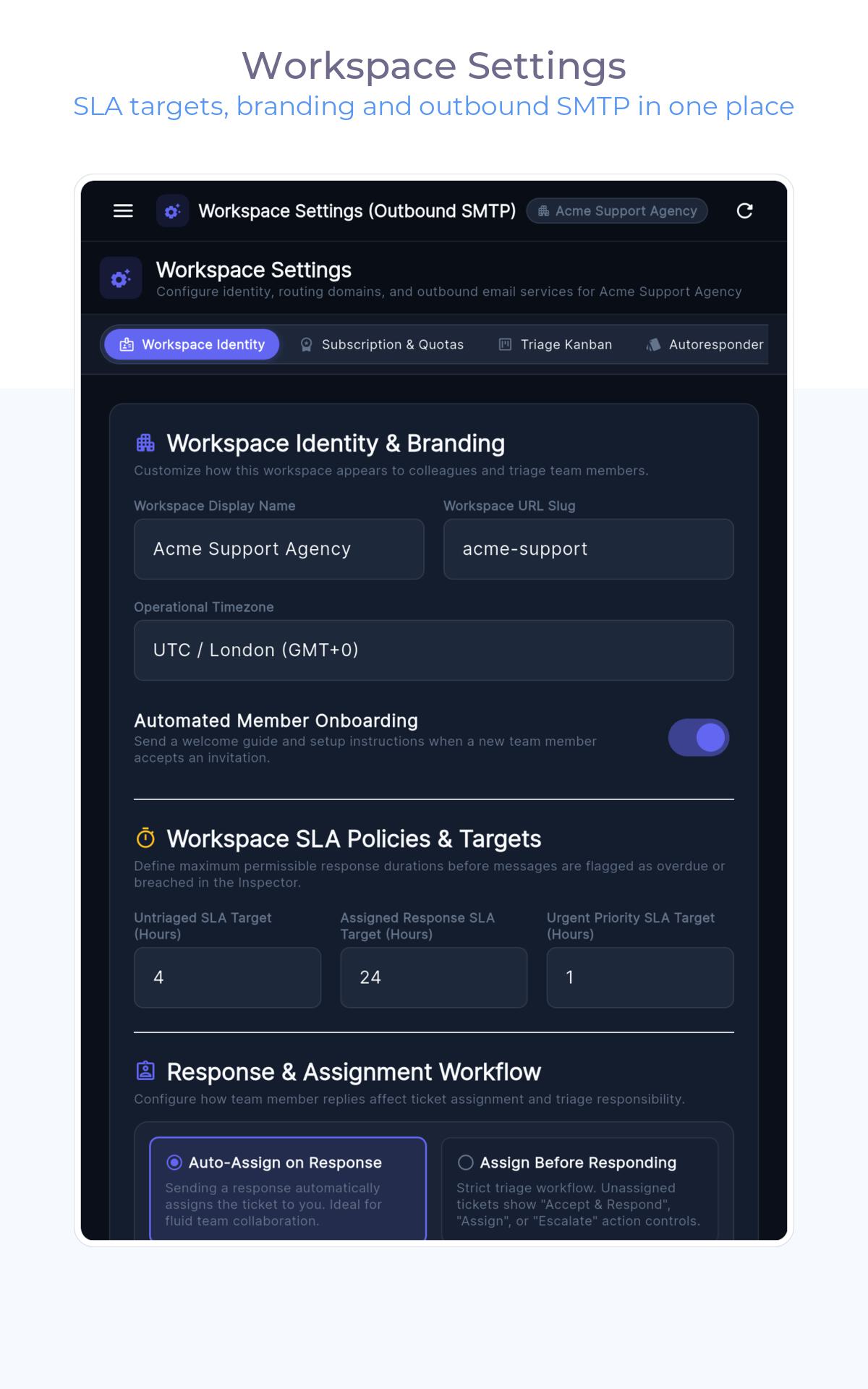
Breach timers and repeat-contact detection rank the decisions that need humans — and can ping you in Slack the moment an SLA breaks. Audit events keep the paper trail; history can roll into cost-controlled cold storage.
Captured from the shipping build via our Fastlane screenshot pipeline.
Connect a mailbox, invite the team, triage the first ten tickets.