IntakeRun
Sign in ↗Get started for free
FeaturesPricingAgencyFAQDownload
Product

Built to resolve your customer requests.

A desk that stays out of the way: connect your existing mailboxes in under a minute, use high-performance native apps, a triage model your team understands instantly, and AI you control.

The flow

How a message moves.

  1. 1Connect mailboxesintake routes map every alias
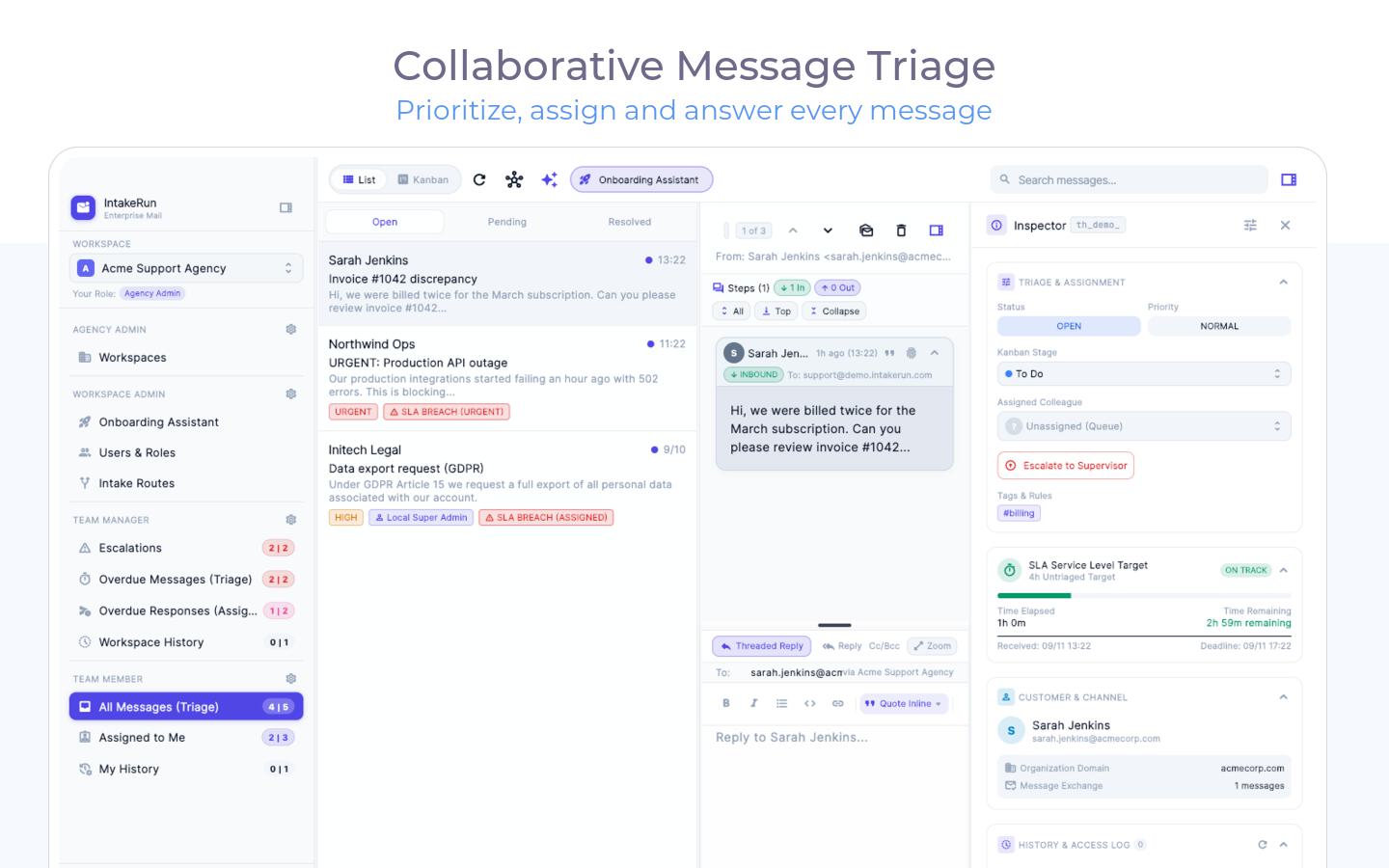
  2. 2Triage queueranked by time in queue
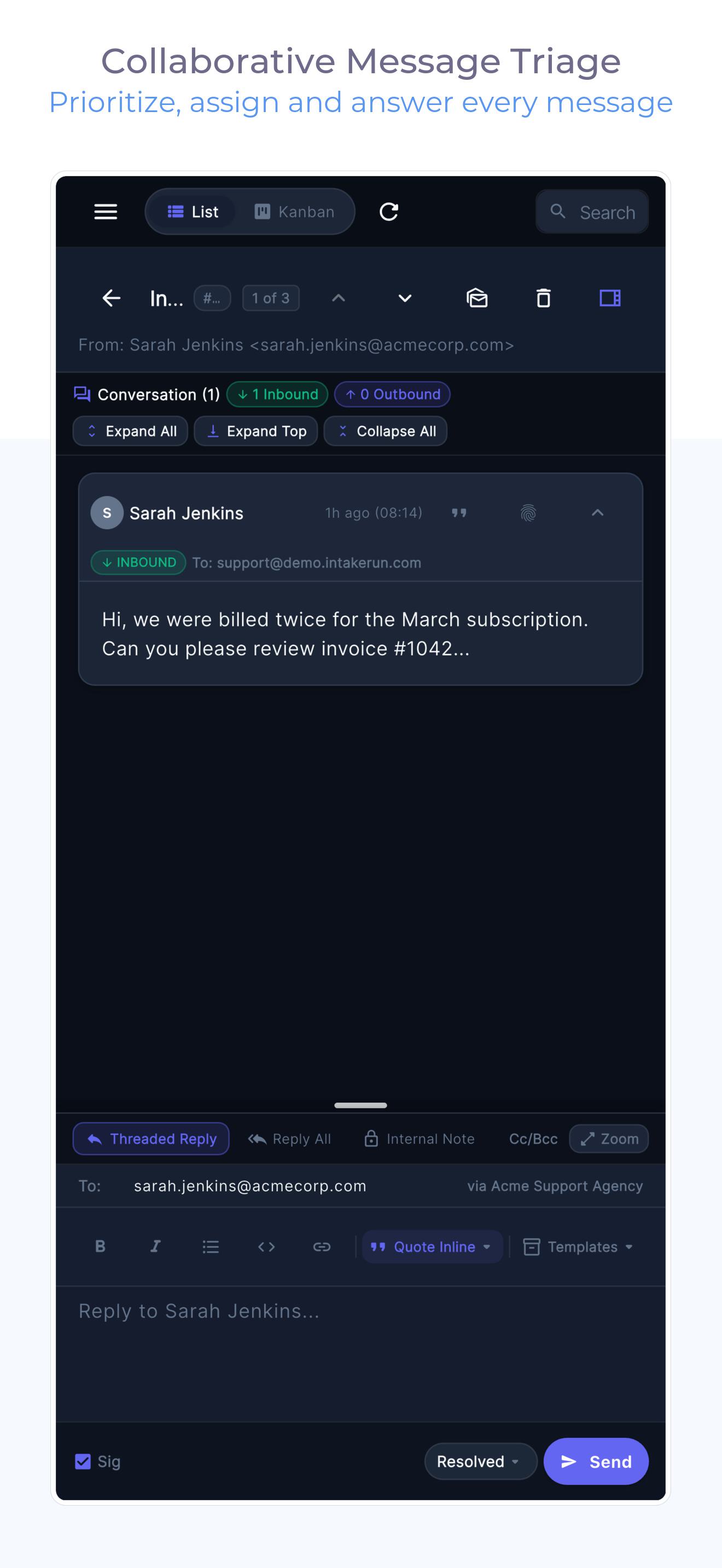
  3. 3Human replycollision locks, one writer
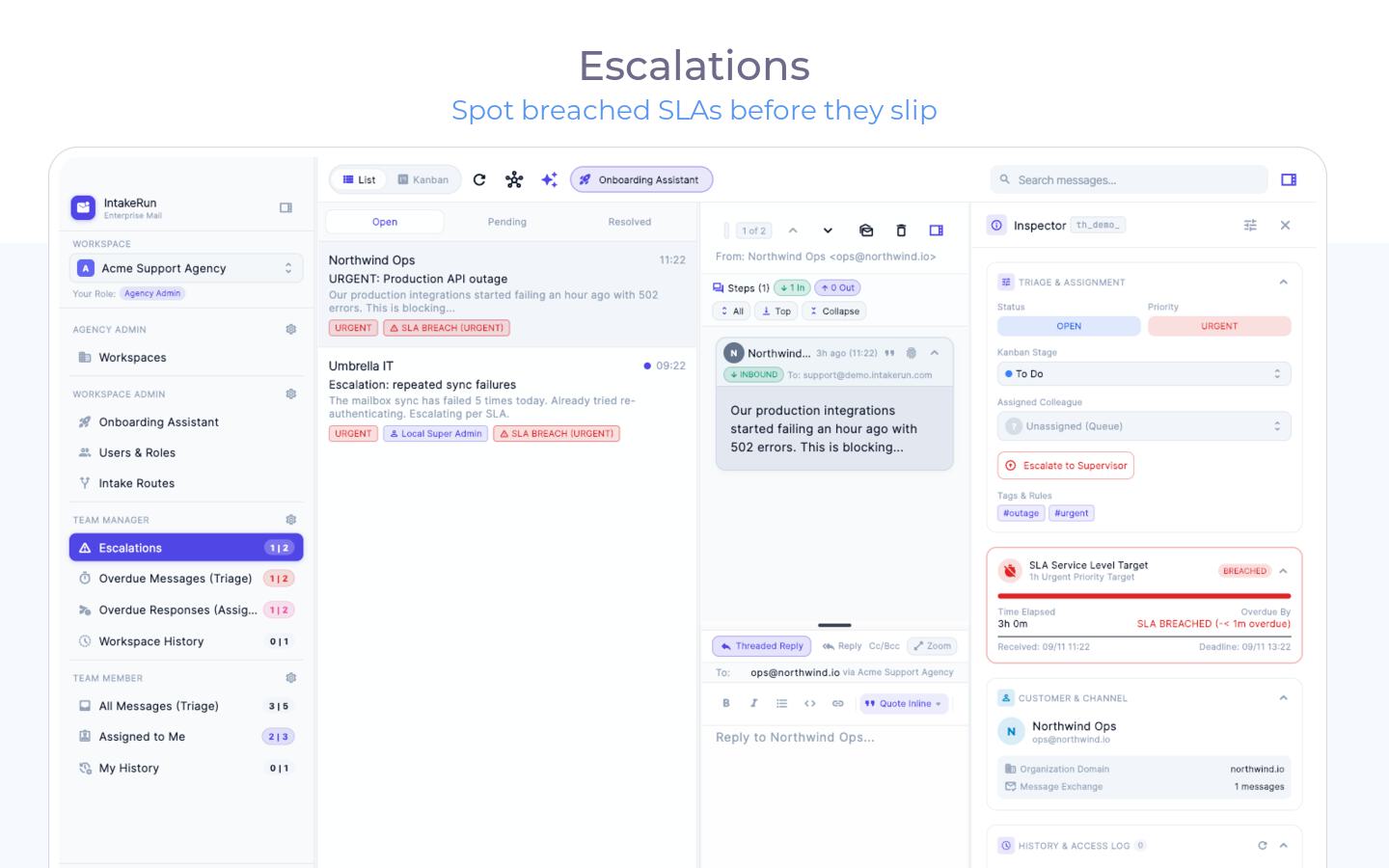
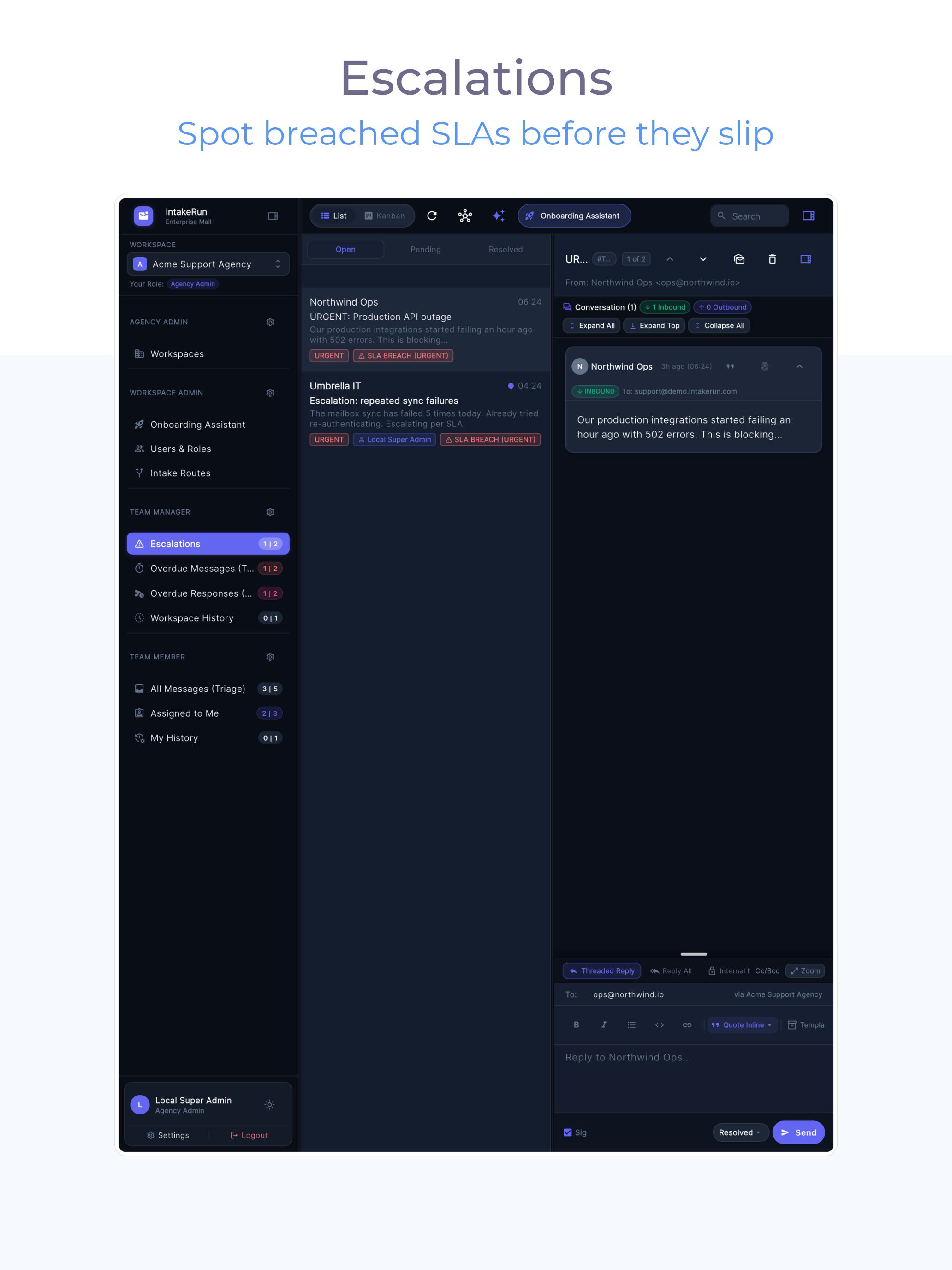
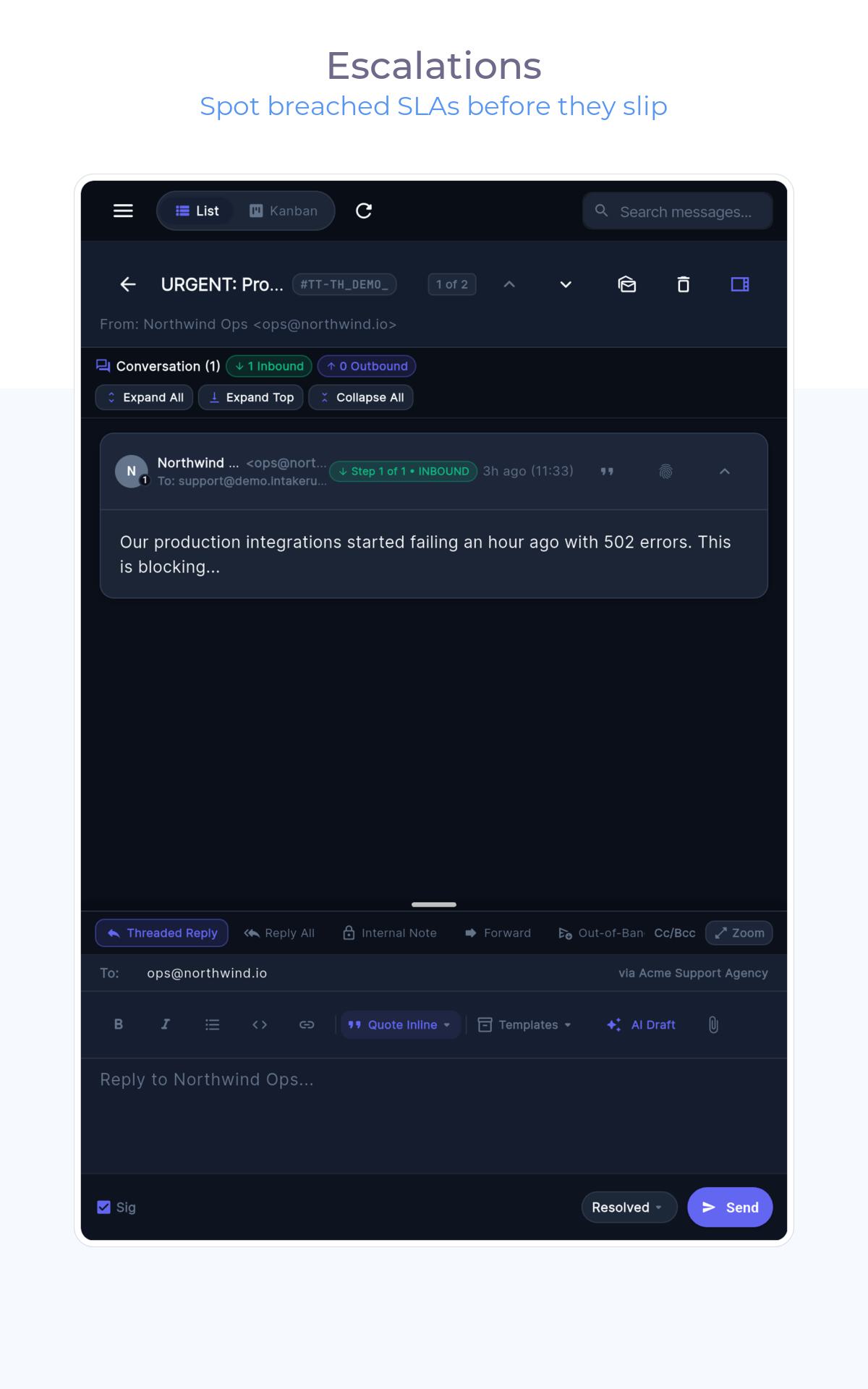
  4. 4Escalationsbreach timers surface risk

Configured once — the lane then runs itself. AI drafts are always one keystroke away.

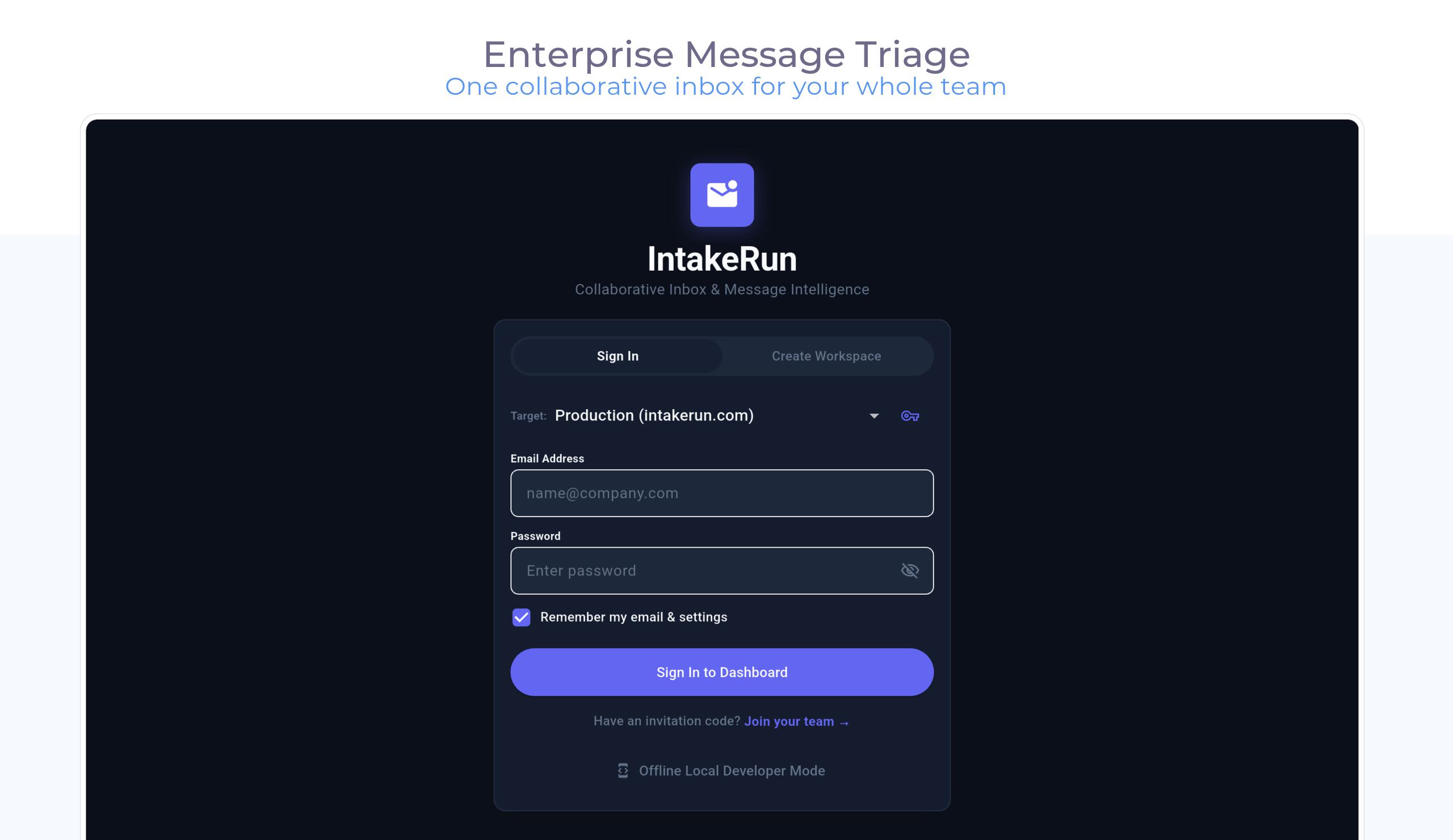
1 · Connect Your Existing Mailboxes

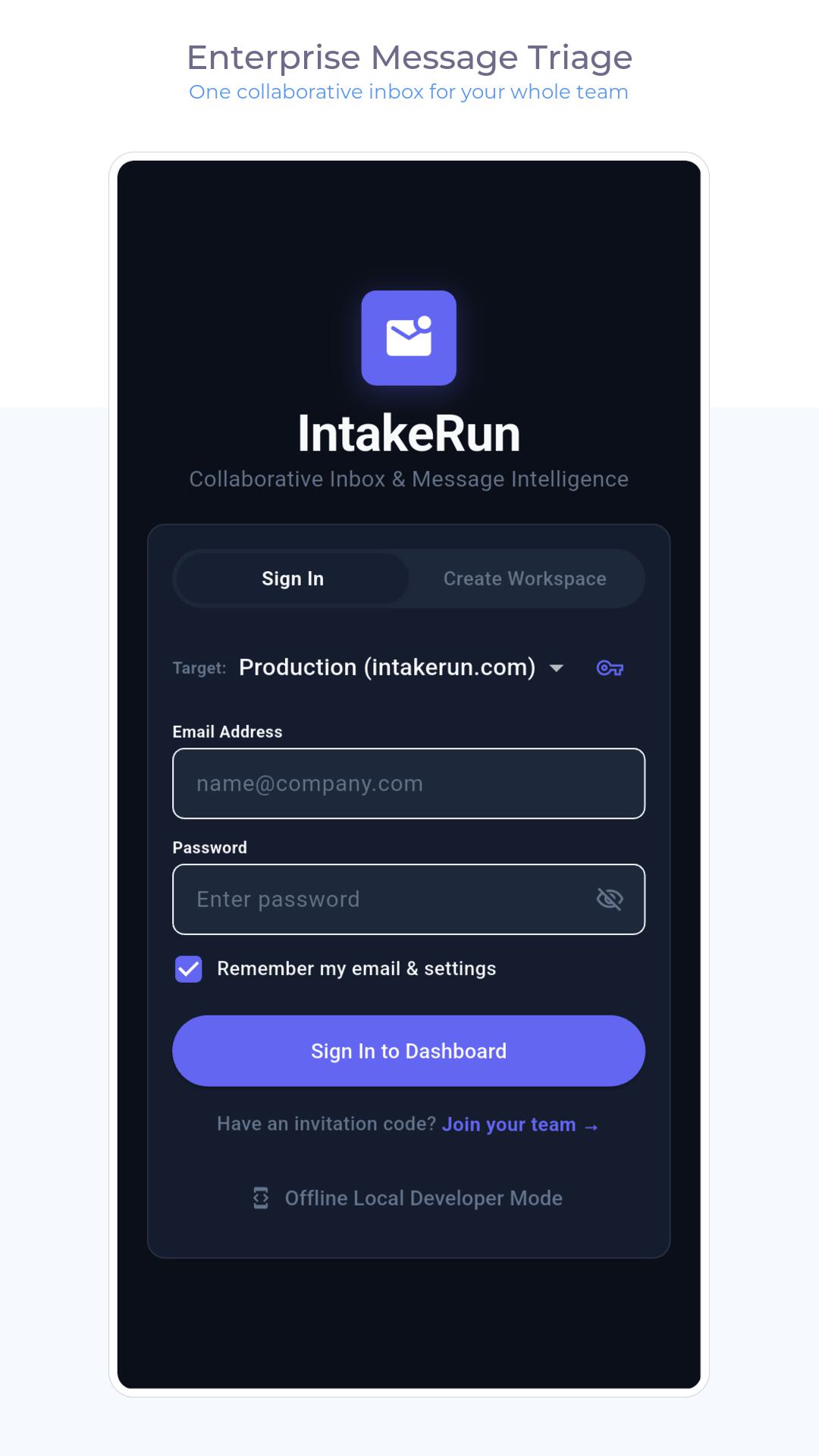
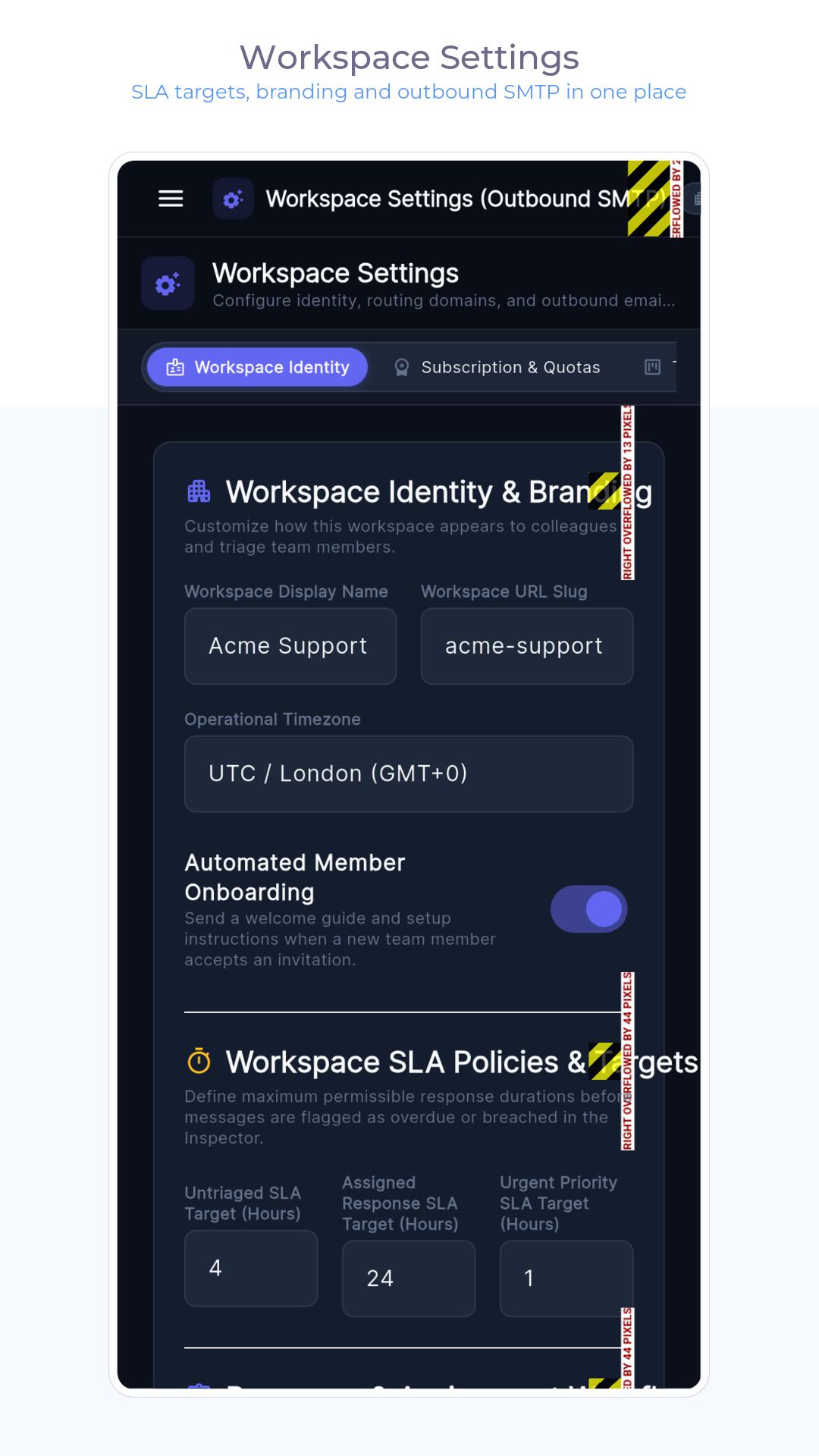
Connect support@, sales@, info@, or billing@ via Google Workspace, Gmail, Microsoft 365, or standard IMAP - or just forward emails in. Our setup wizard auto-detects your settings and runs a live test probe so you know routing works before inviting the team.

2 · Prioritize Without Digging

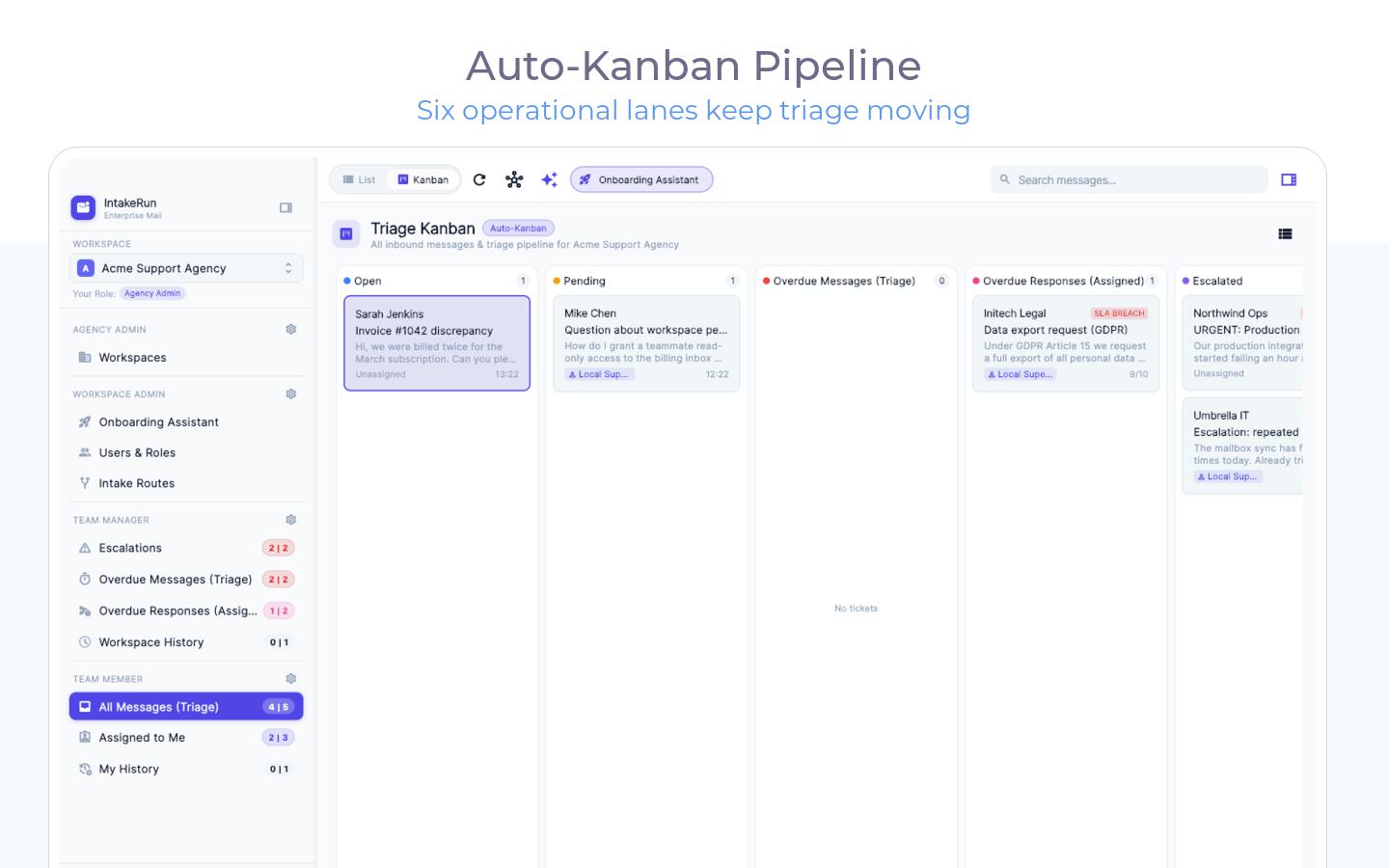
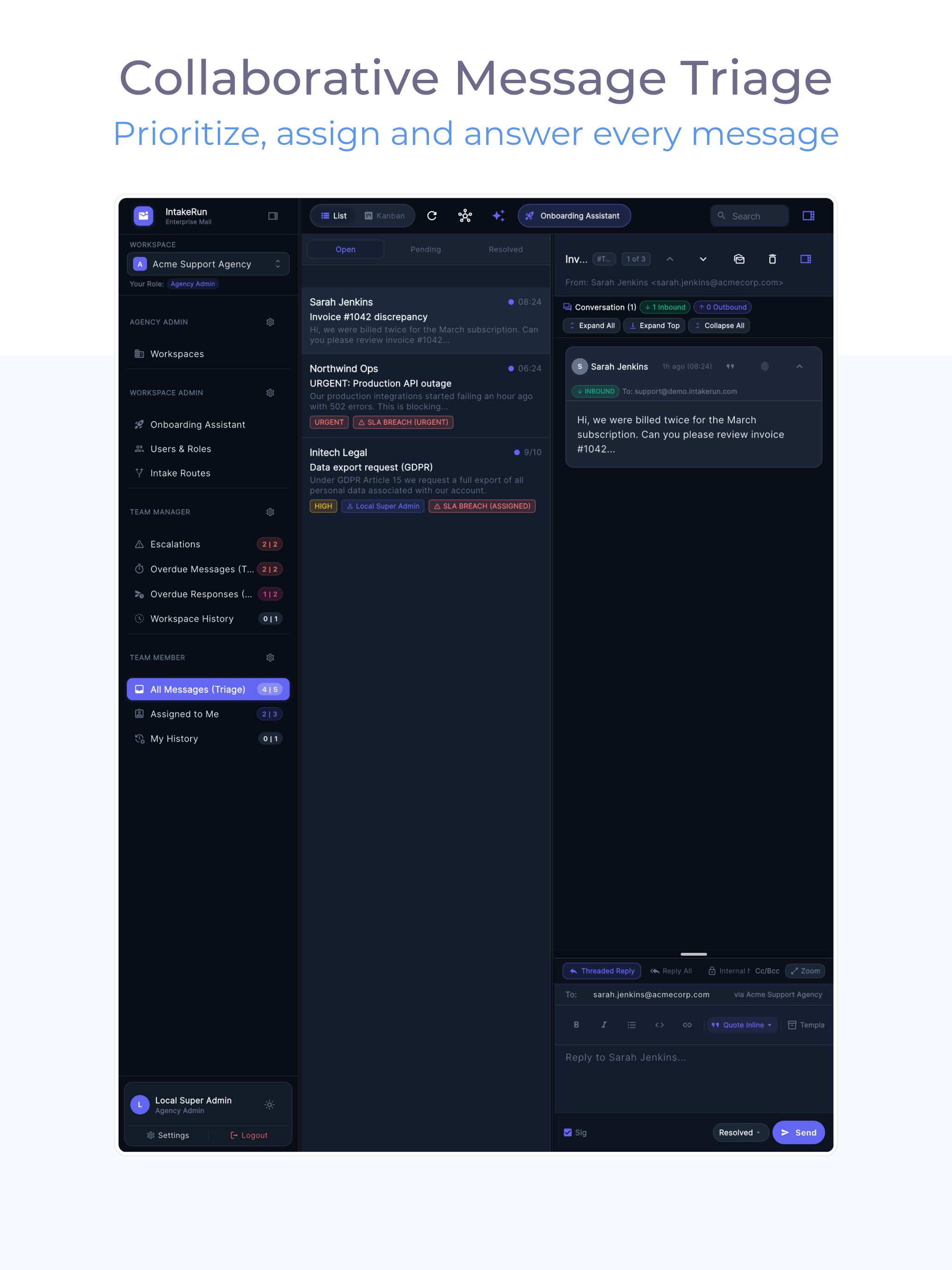
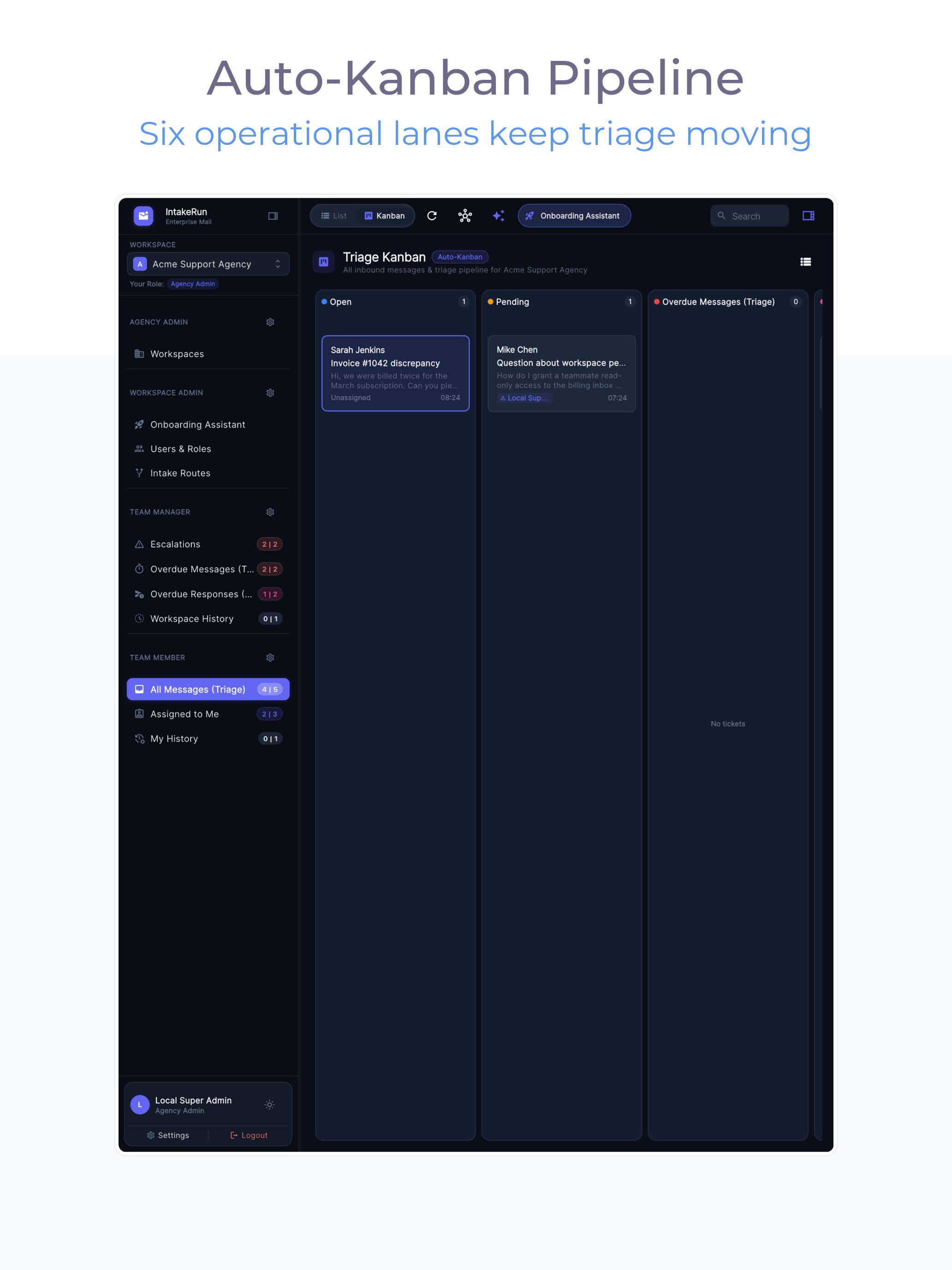
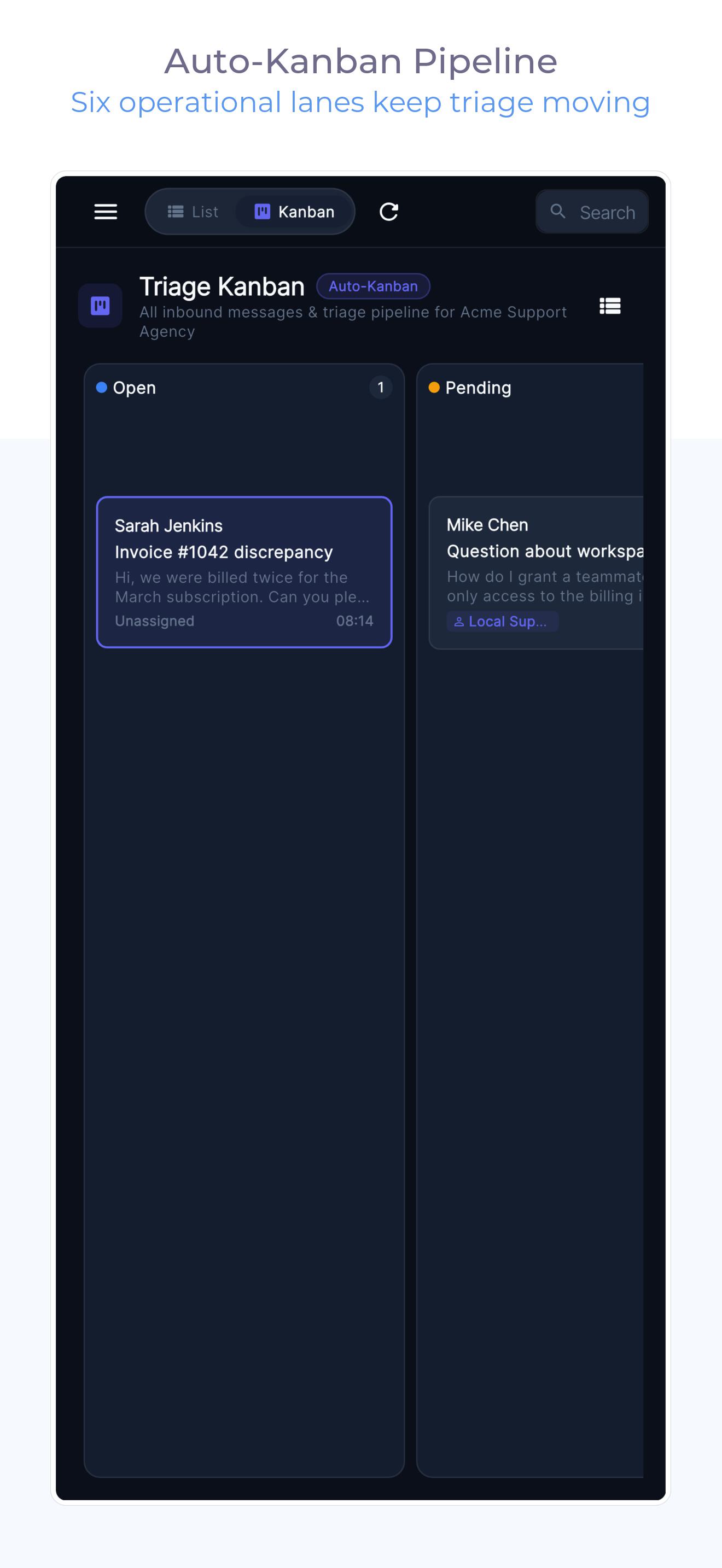
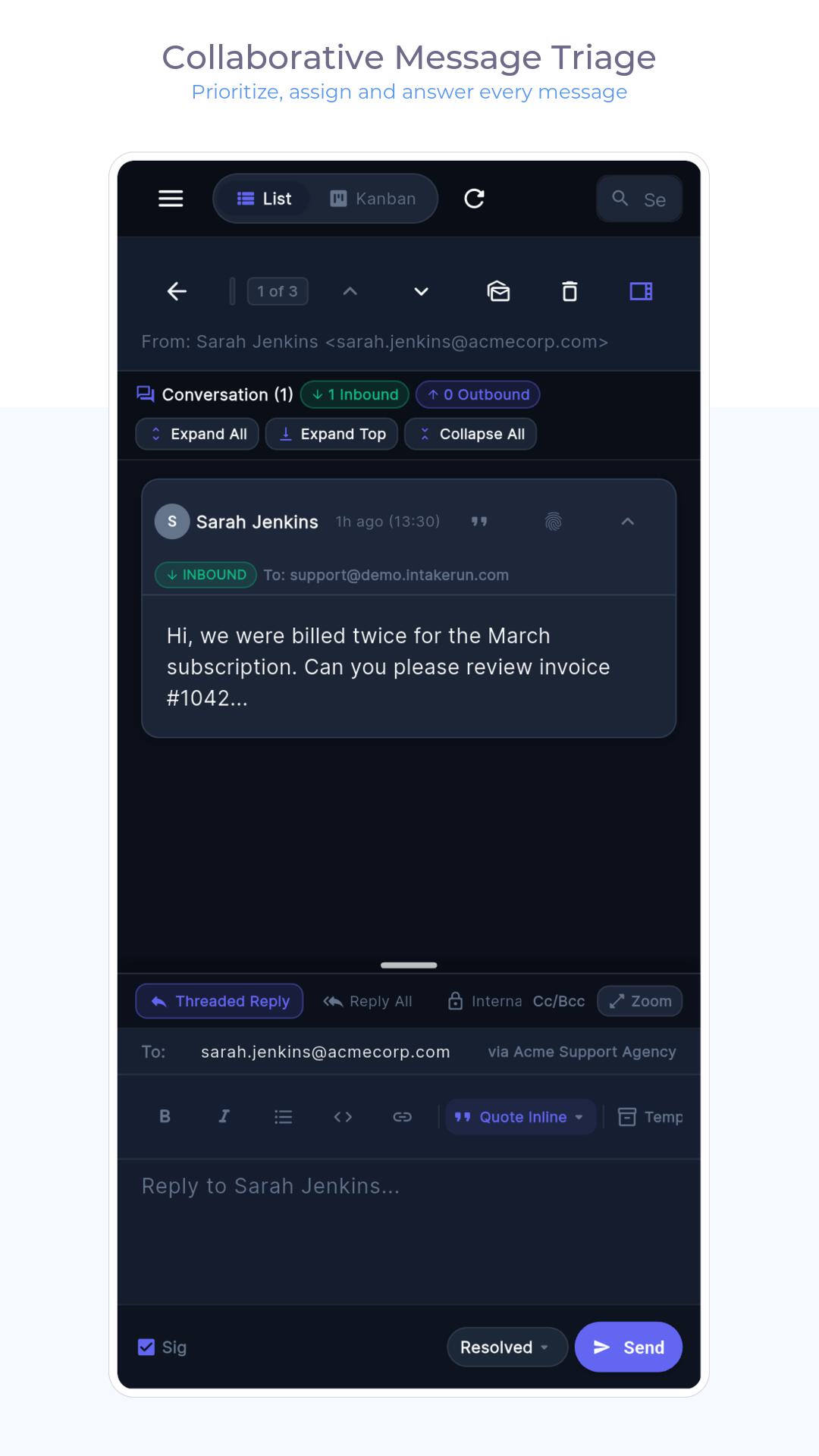
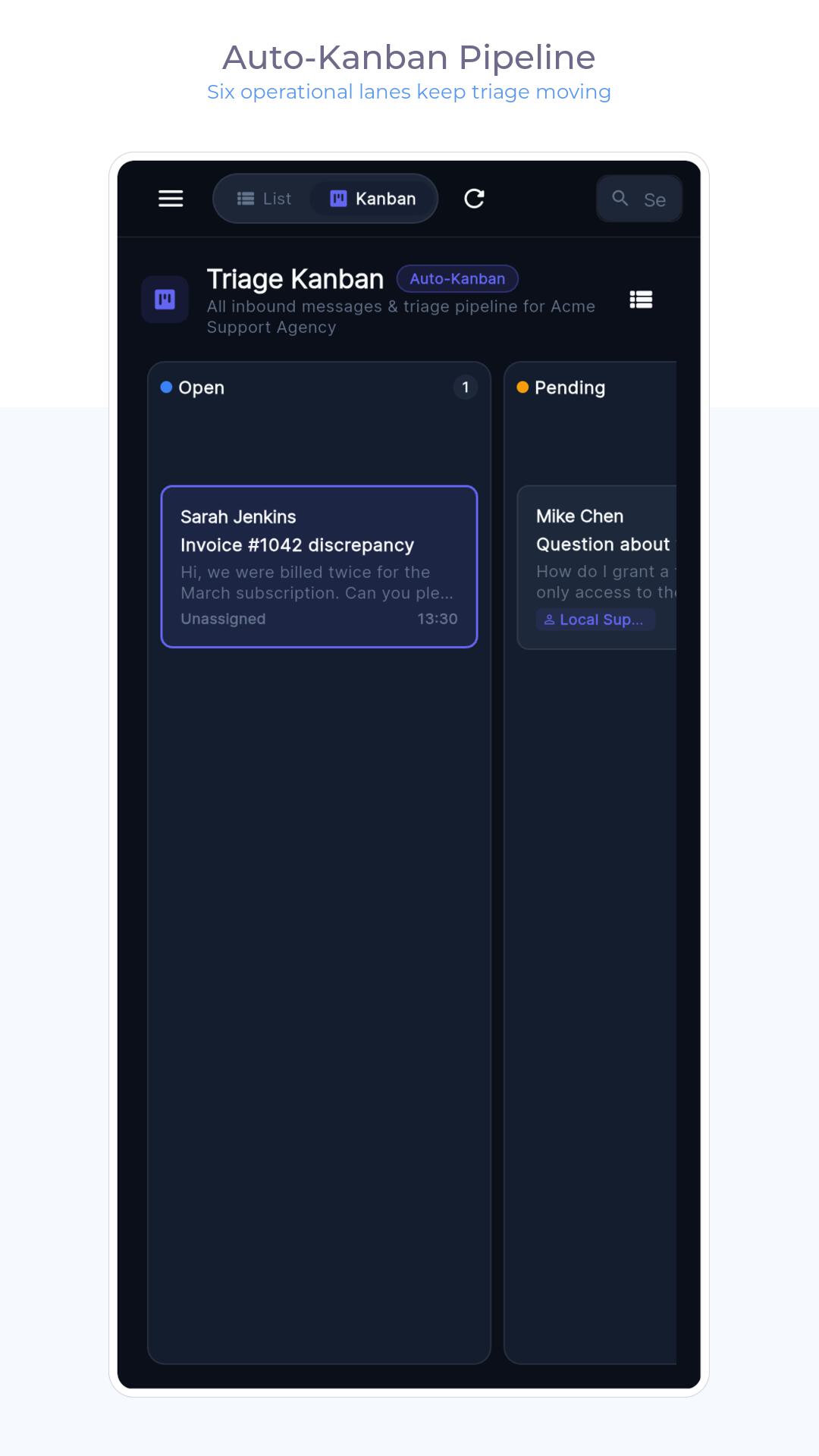
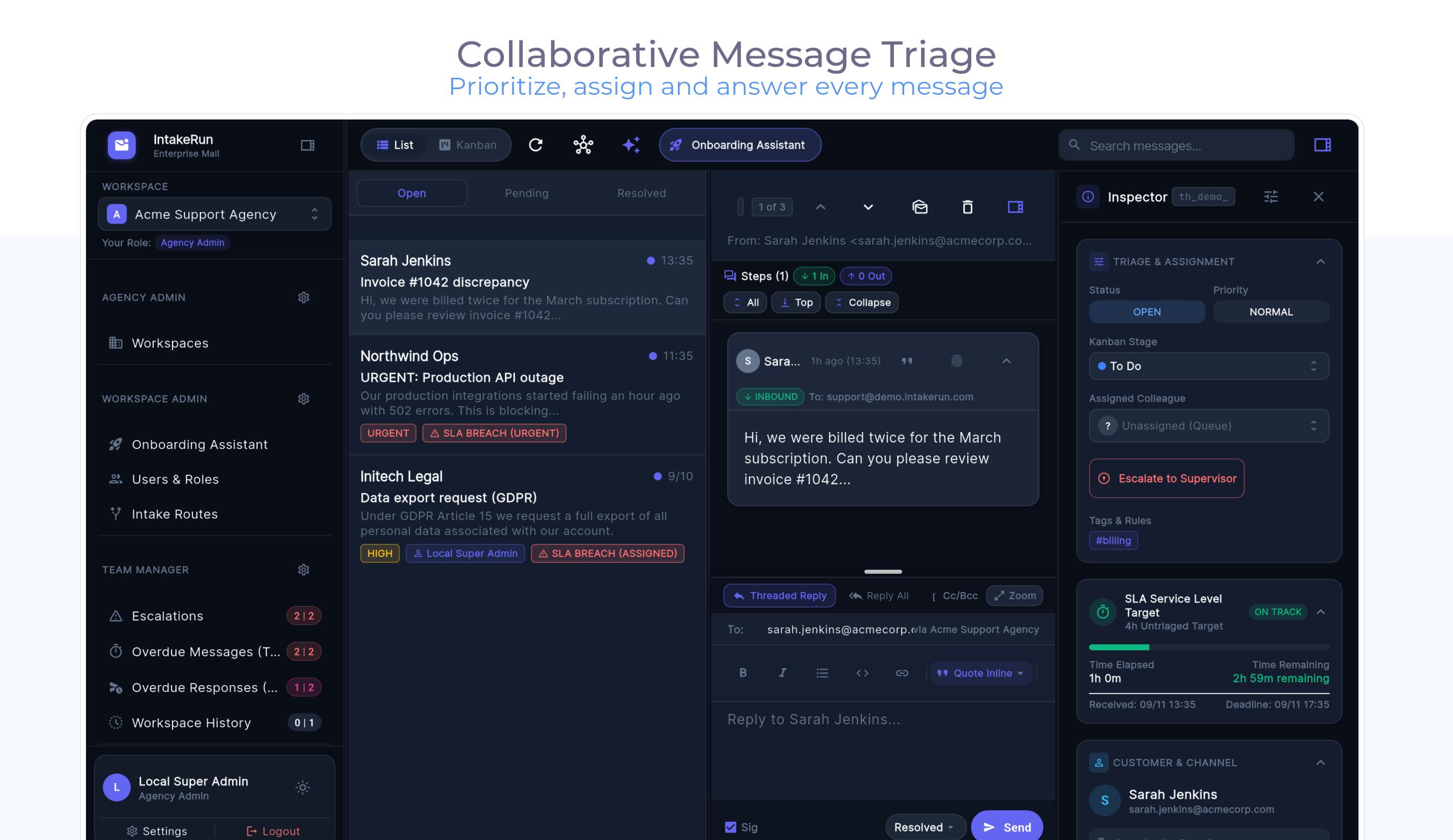
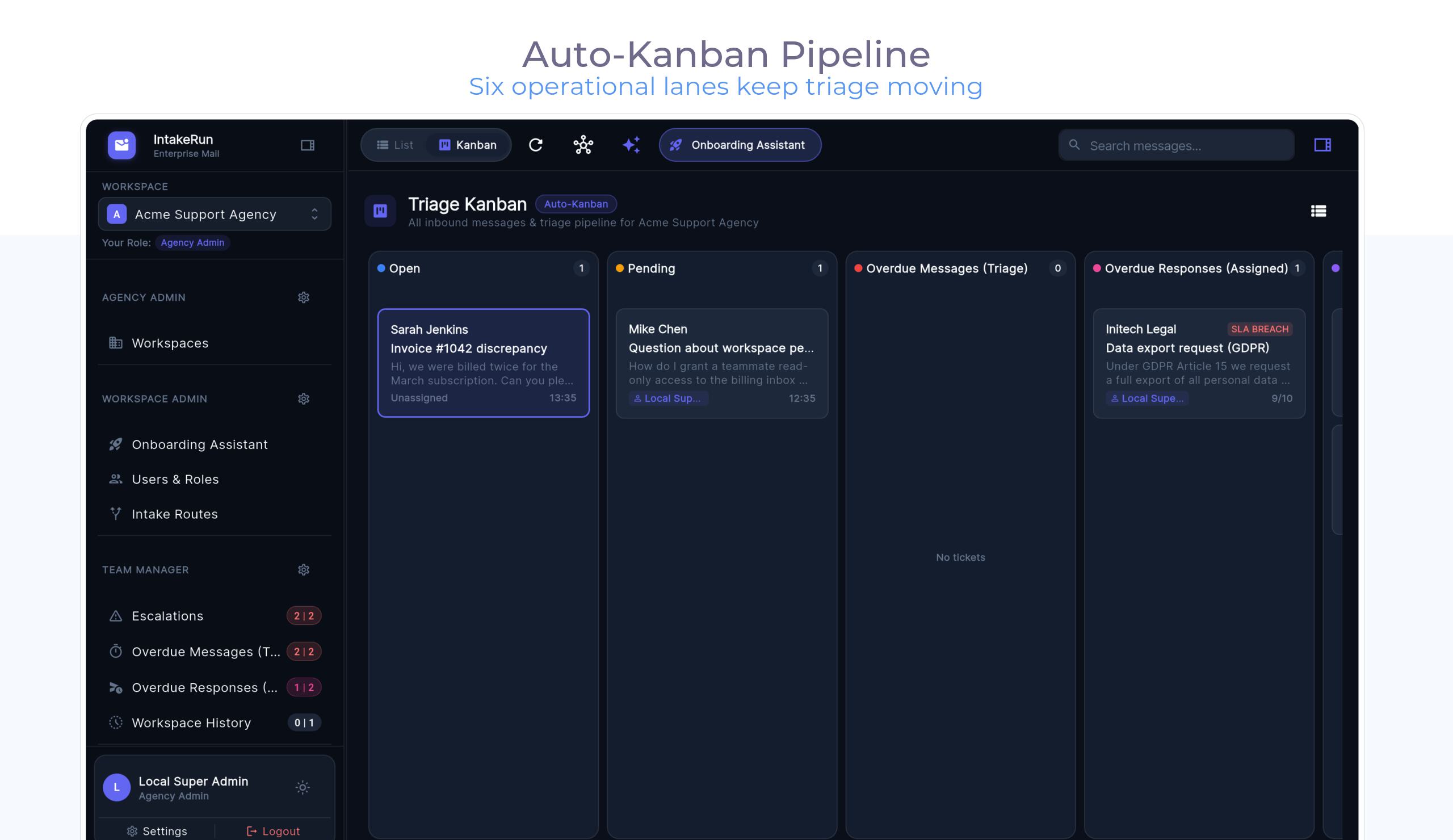
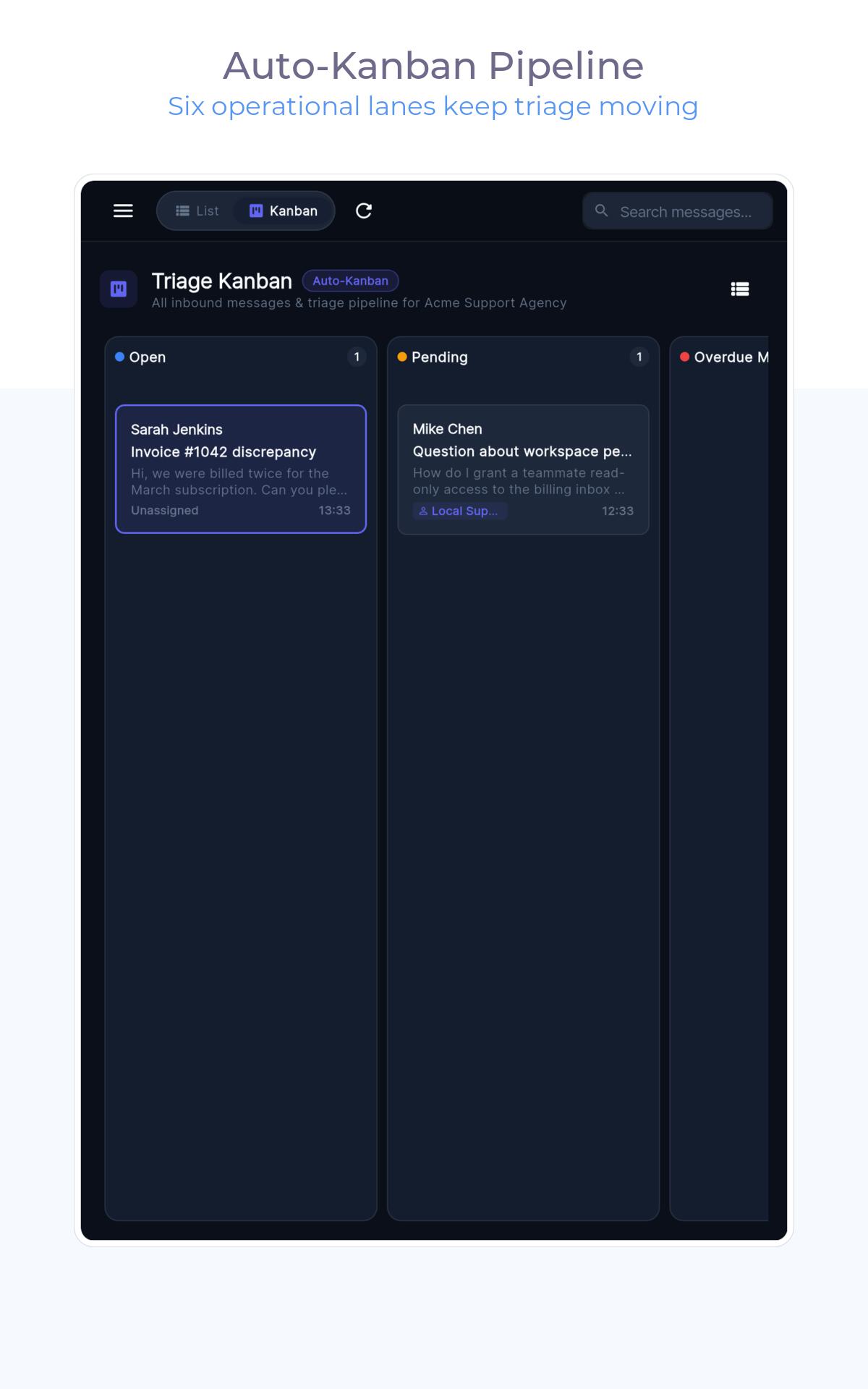
Every incoming email enters one unified triage queue ranked by how long the customer has been waiting. Prefer visual workflows? Flip to the Kanban board to drag conversations from New to In Progress to Done.

3 · Collaborate Without Collisions

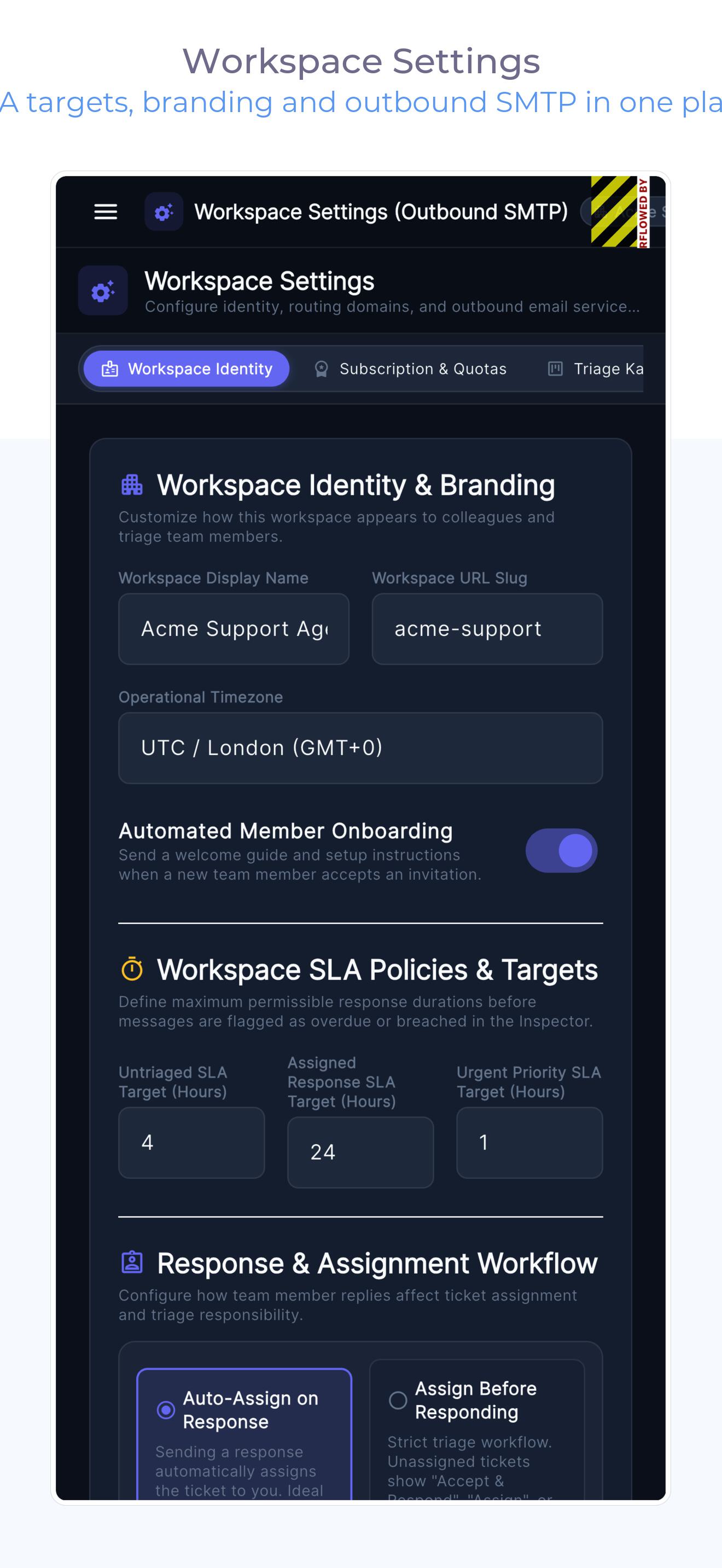
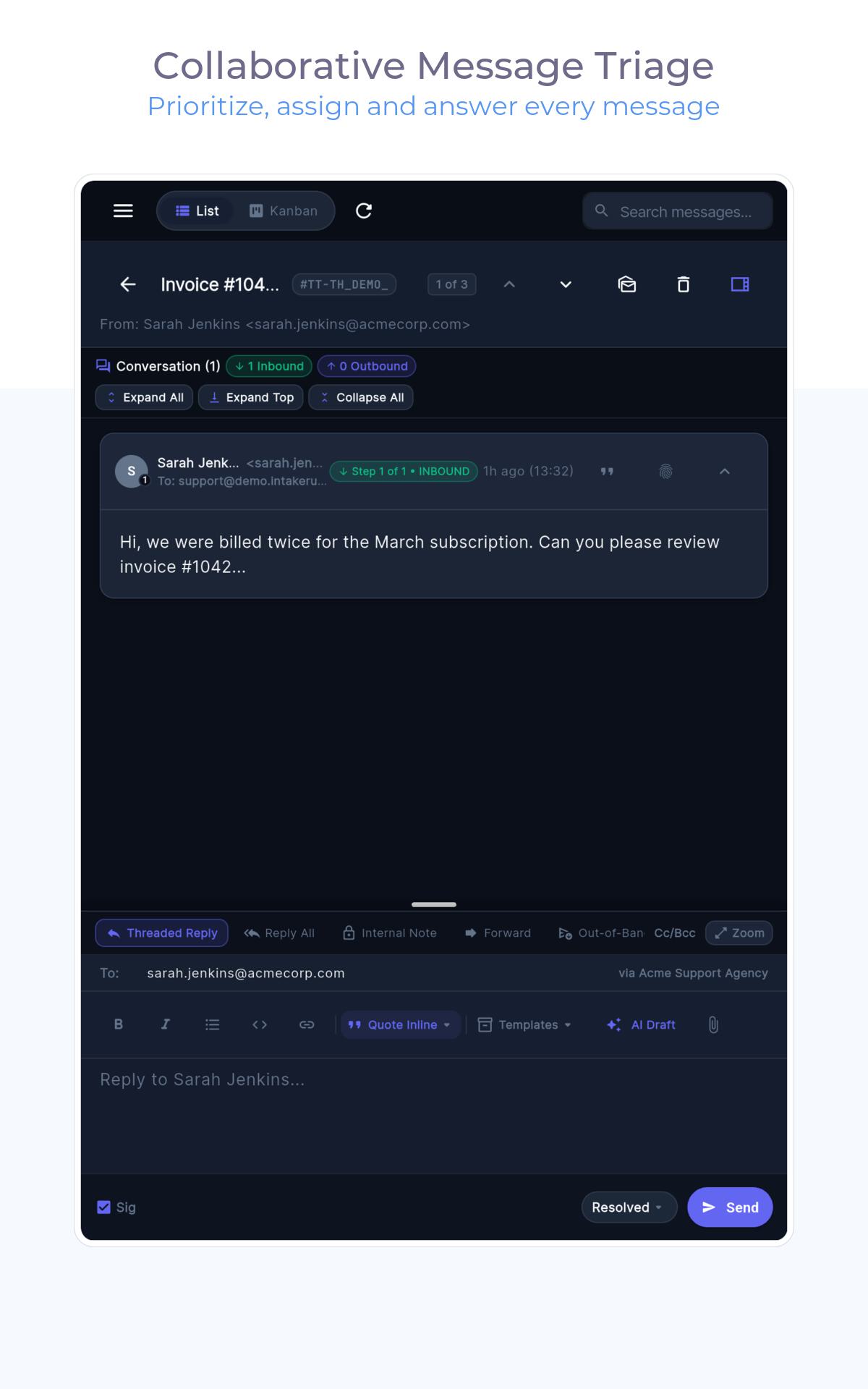
Live avatars show who has an email open, and collision locks prevent two people from replying at the same time. Leave private notes on the thread for teammates, or turn on auto-assignment so work stays balanced automatically.

4 · Escalate and Learn

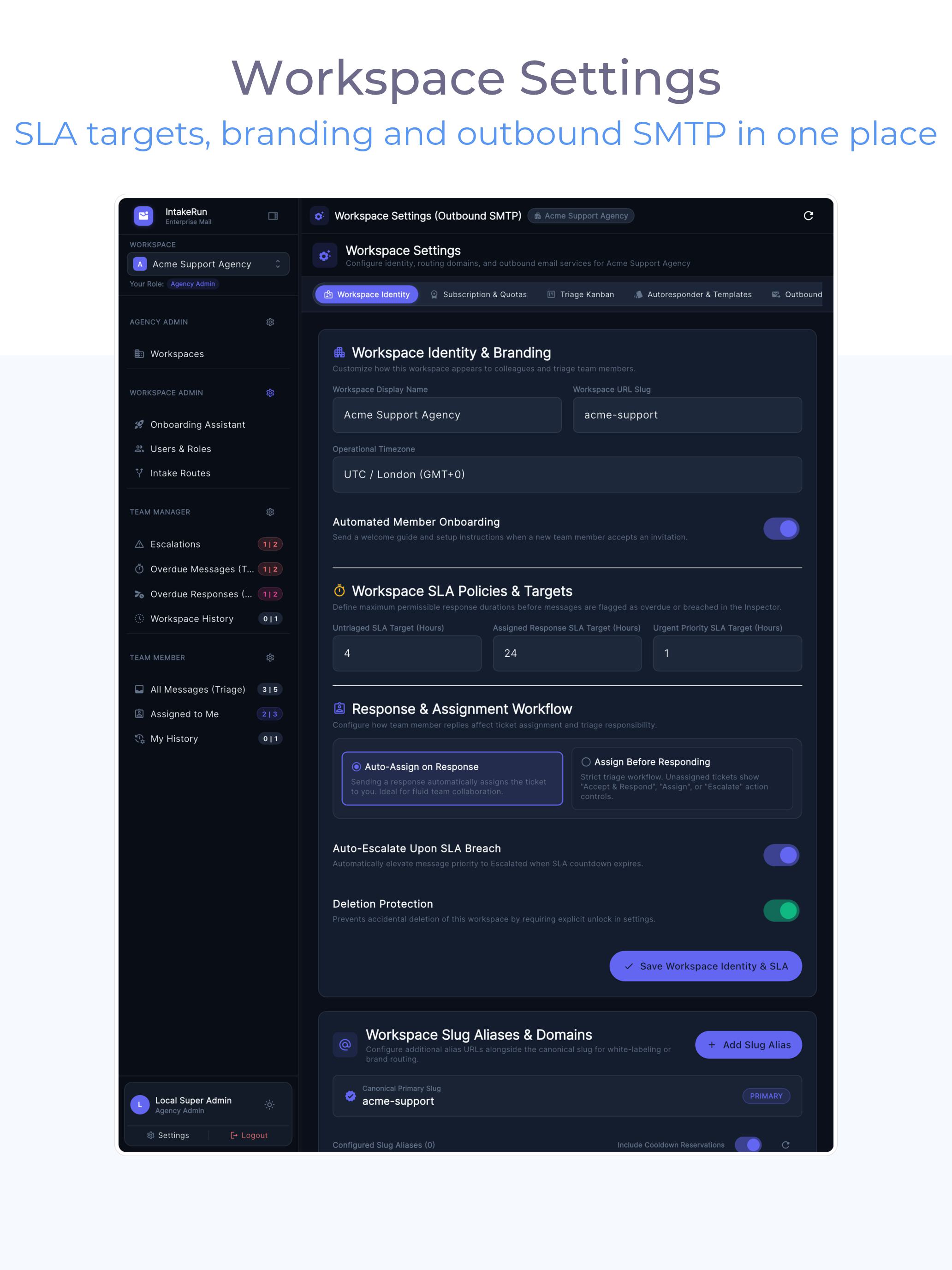
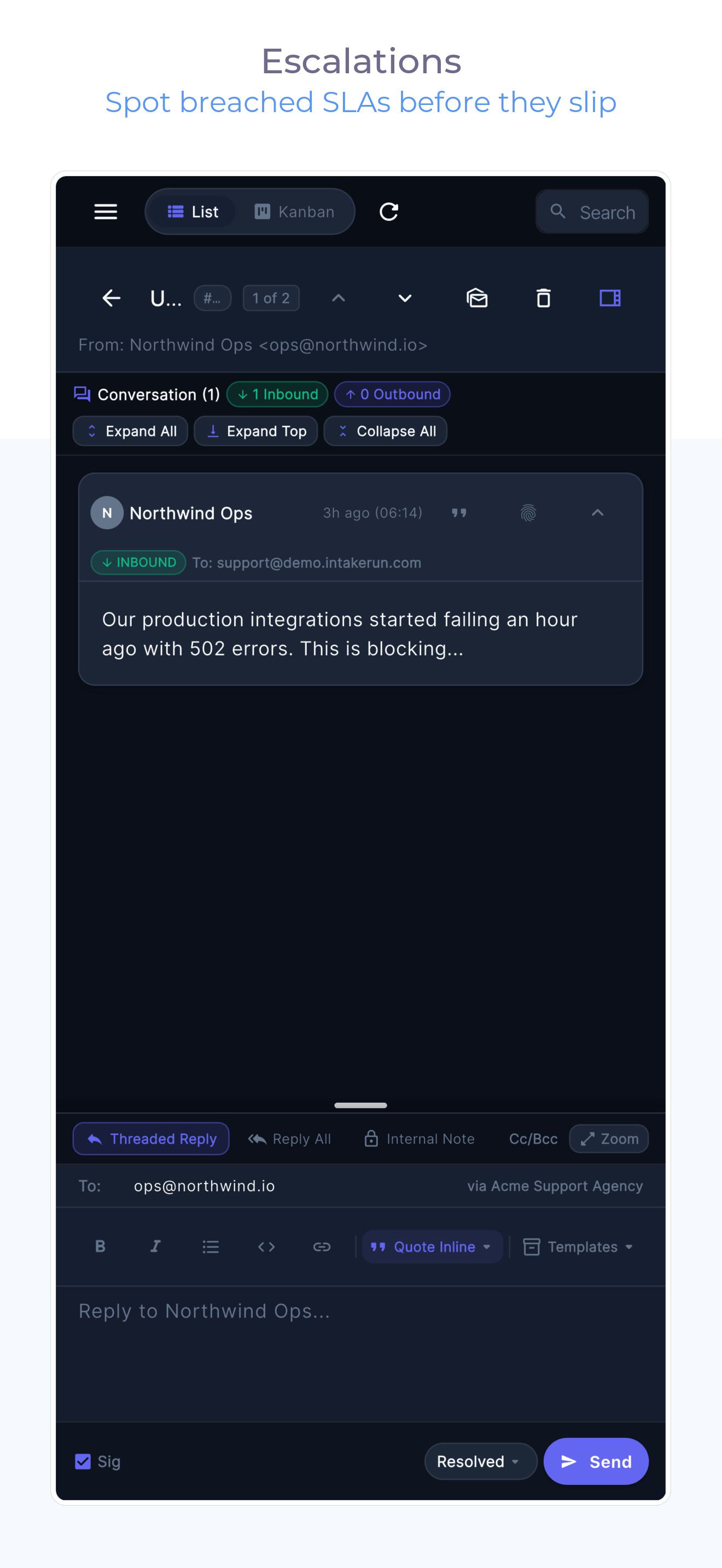
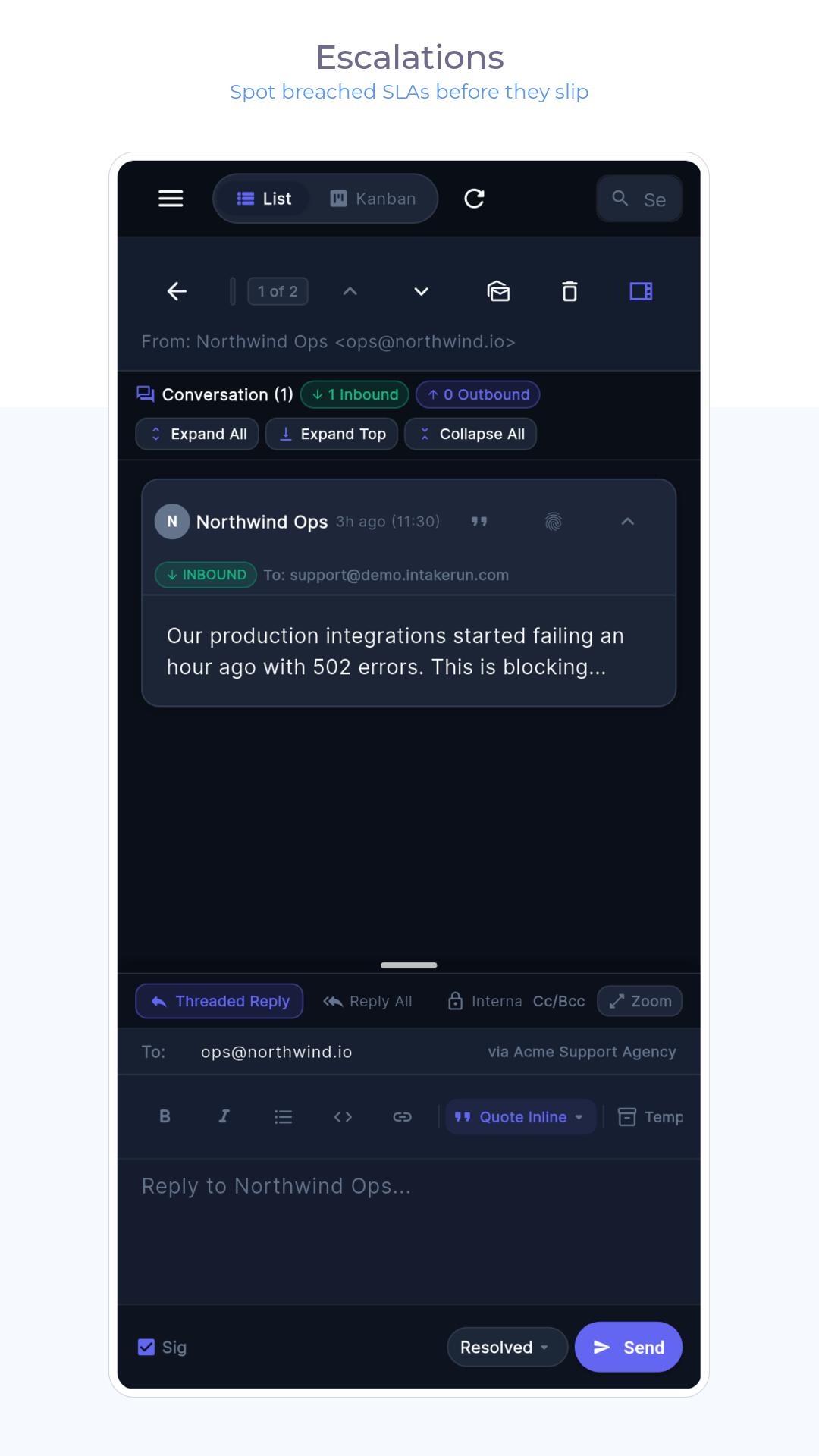
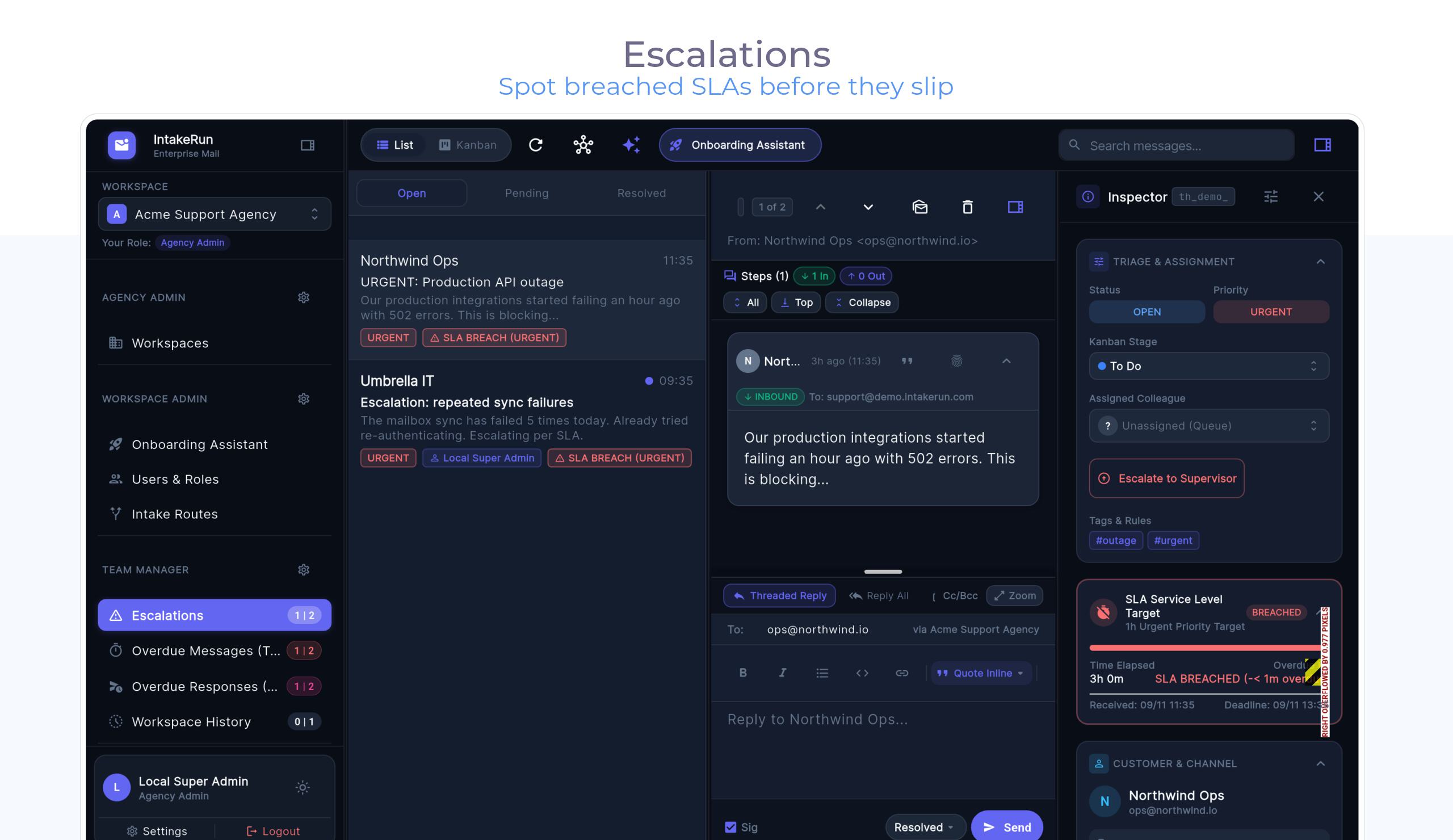
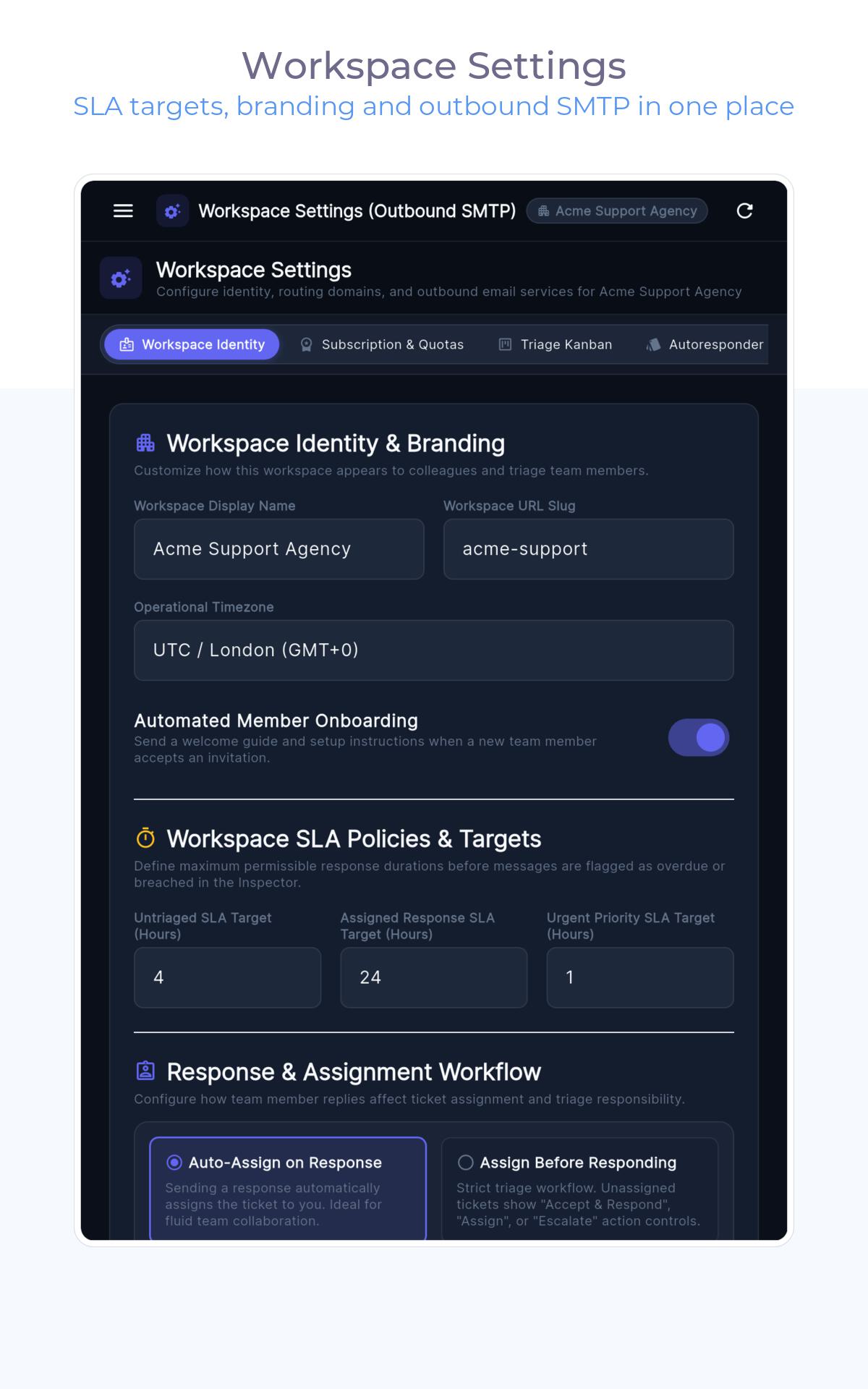
Breach timers and repeat-contact detection rank the decisions that need humans — and can ping you the moment an SLA breaks. Audit events keep the paper trail; history can roll into cost-controlled cold storage.

Screenshots

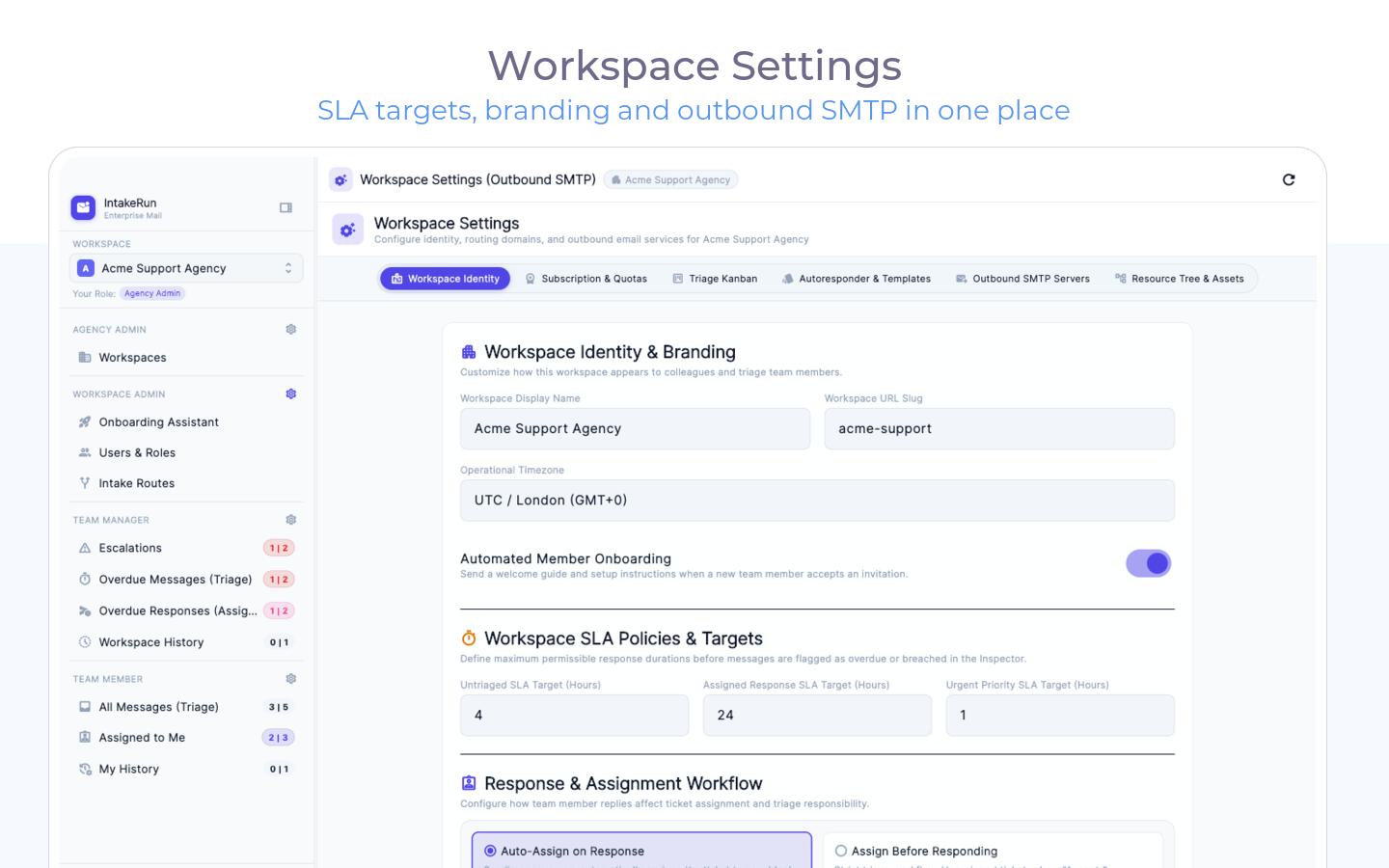
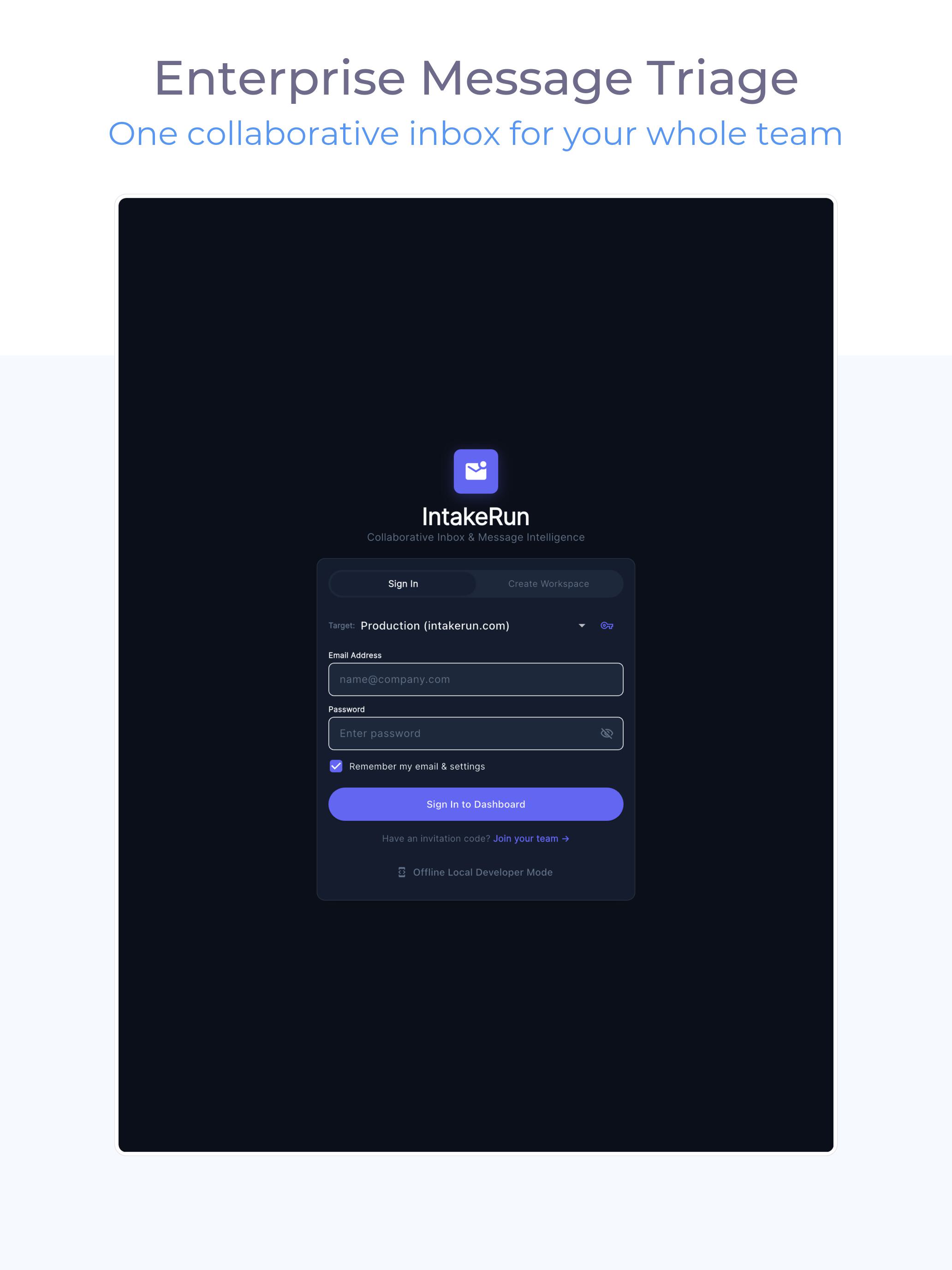
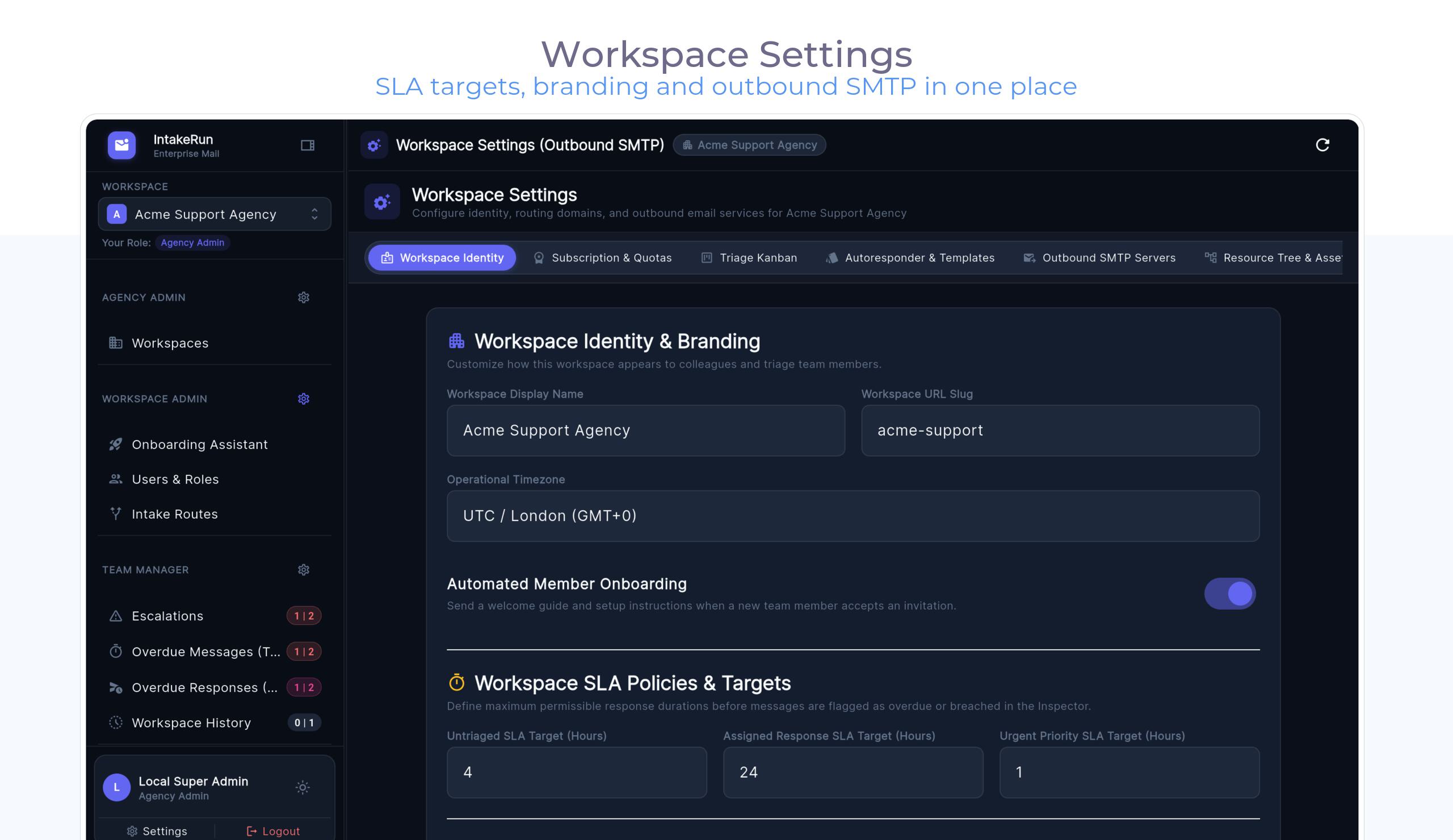
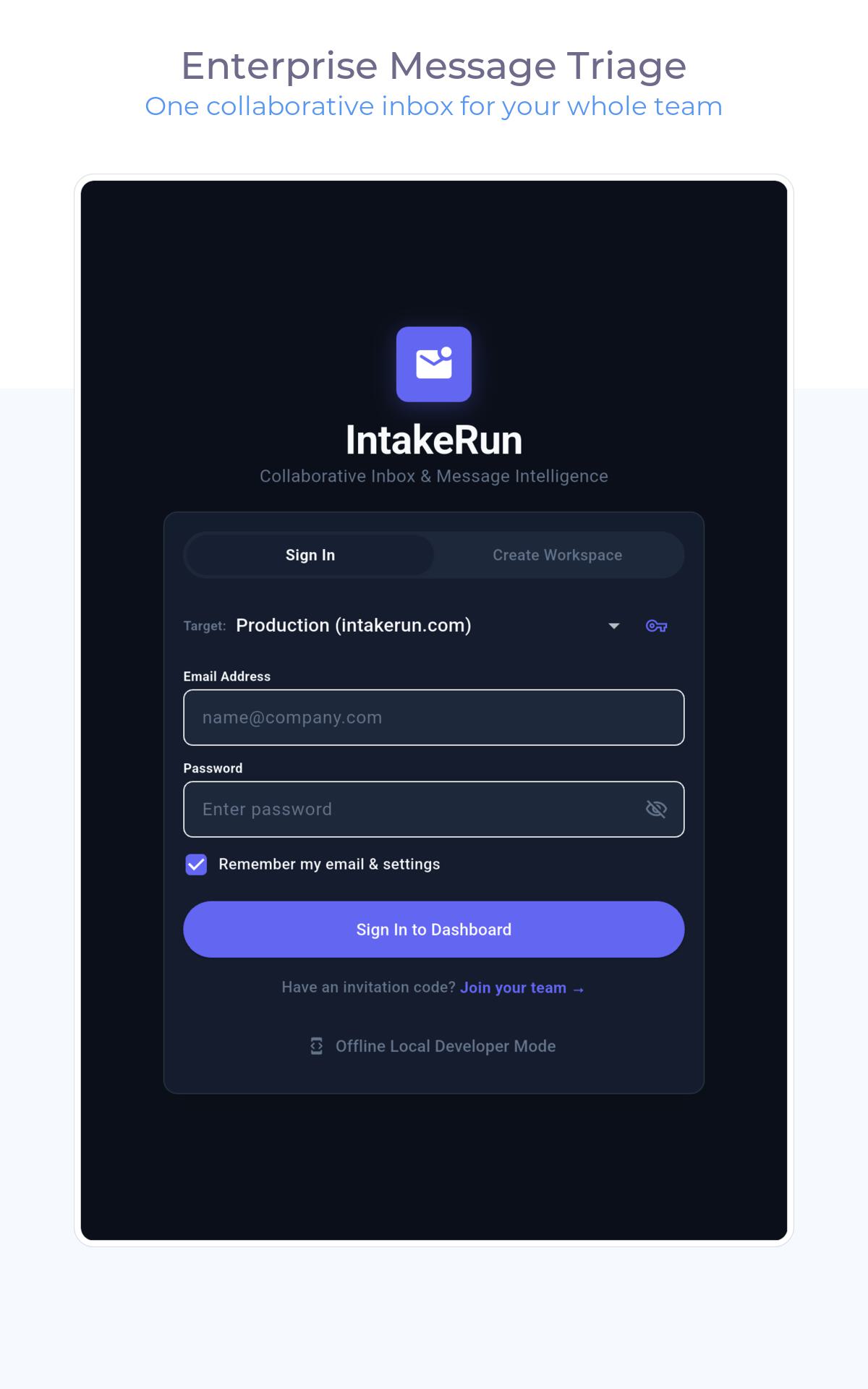
The real app, not renders

Captured from the shipping build via our Fastlane screenshot pipeline.

macOS

iPad

iPhone

Android phone

Android tablet (10")

Android tablet (7")

Try it against your real inbox.

Connect a mailbox, invite the team, triage the first ten tickets.